✨ New Arrivals Just Dropped!Explore
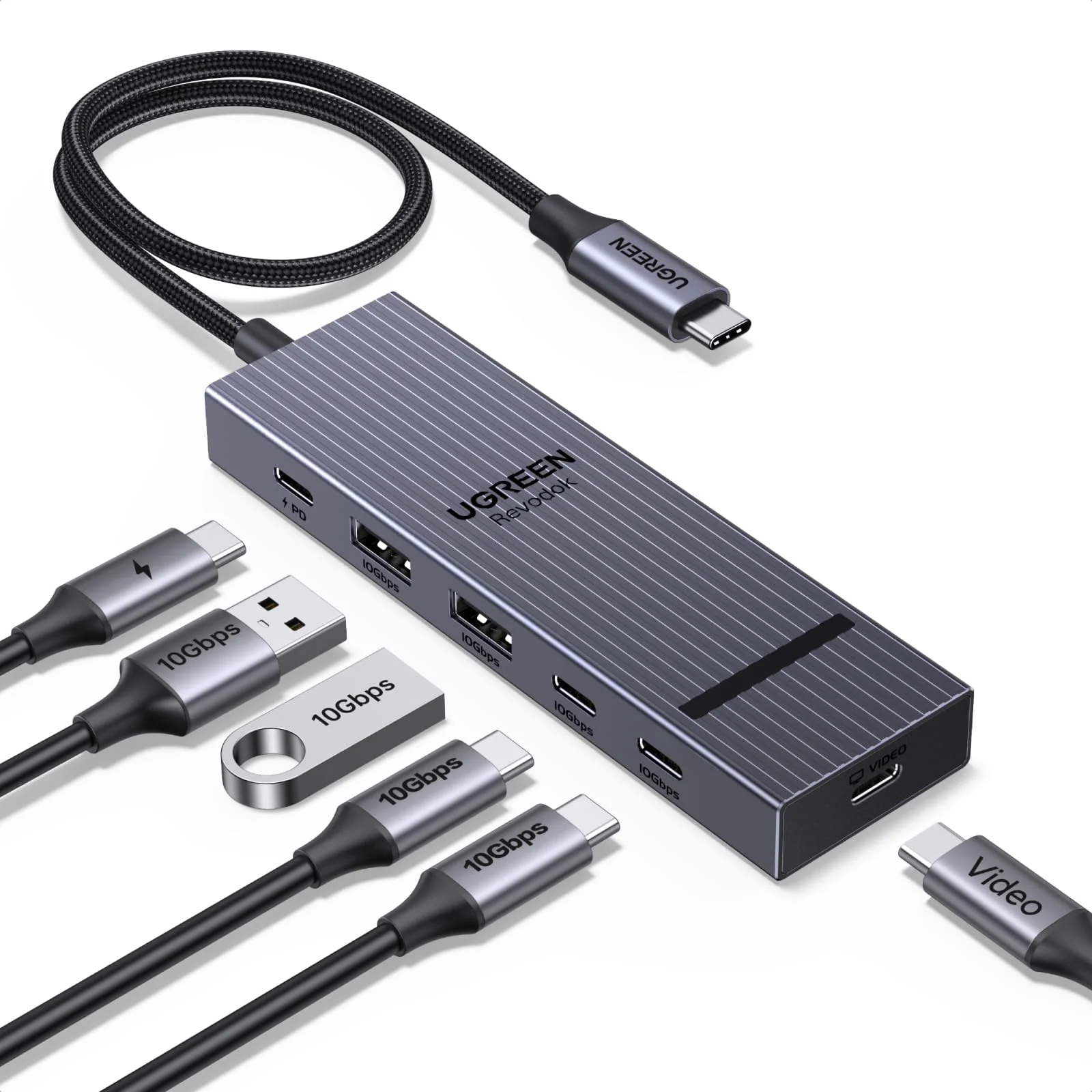
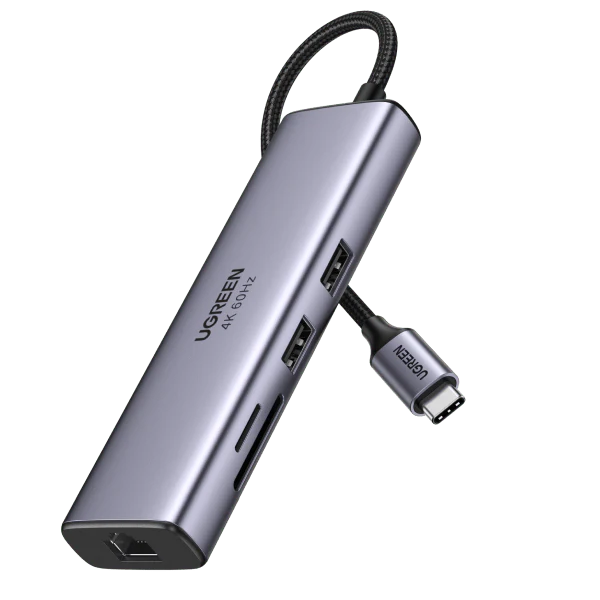
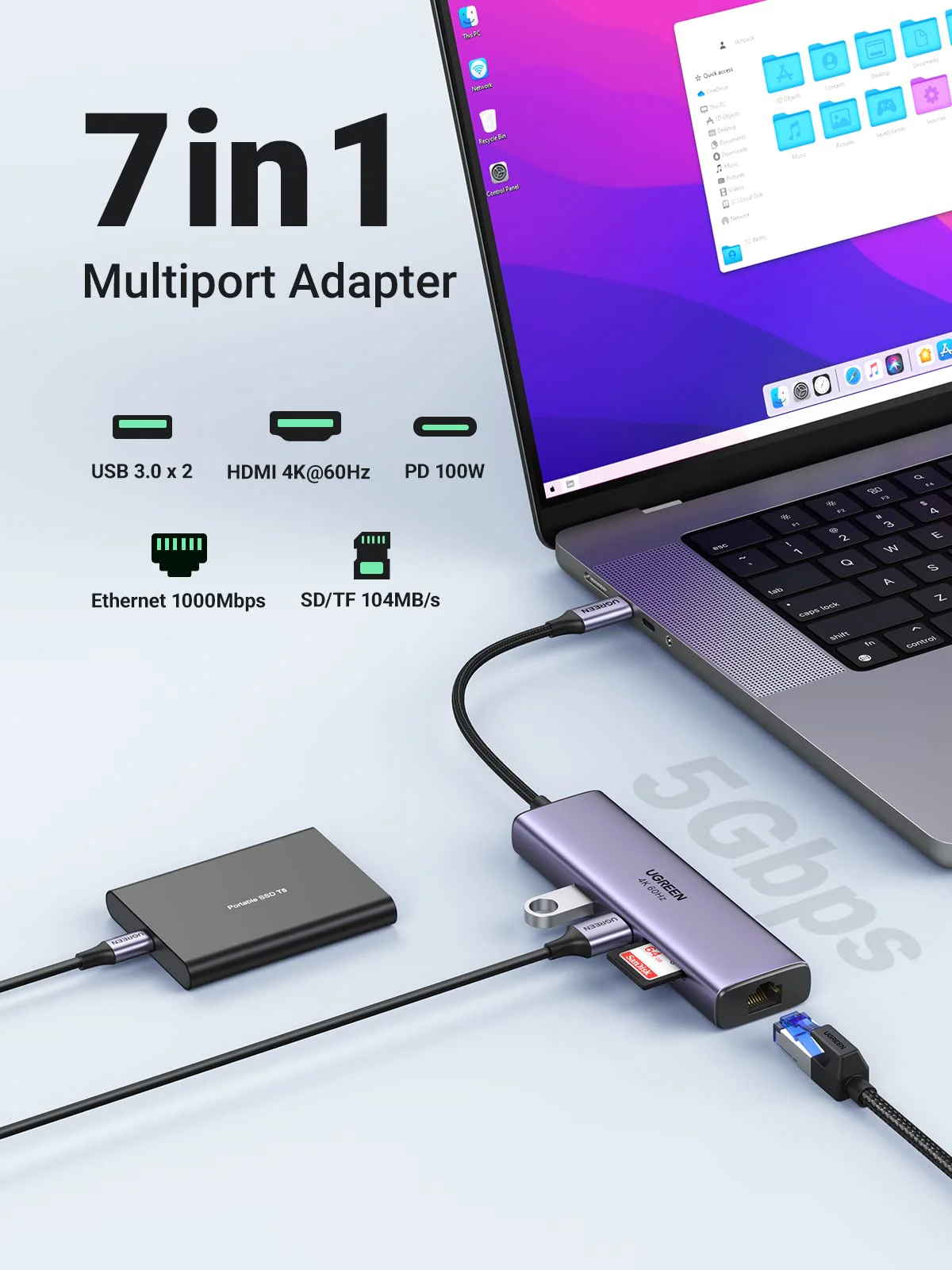
UGREEN Revodok Pro 6-in-1 USB-C Hub (4K@60Hz, 4x 10Gbps, 100W PD)
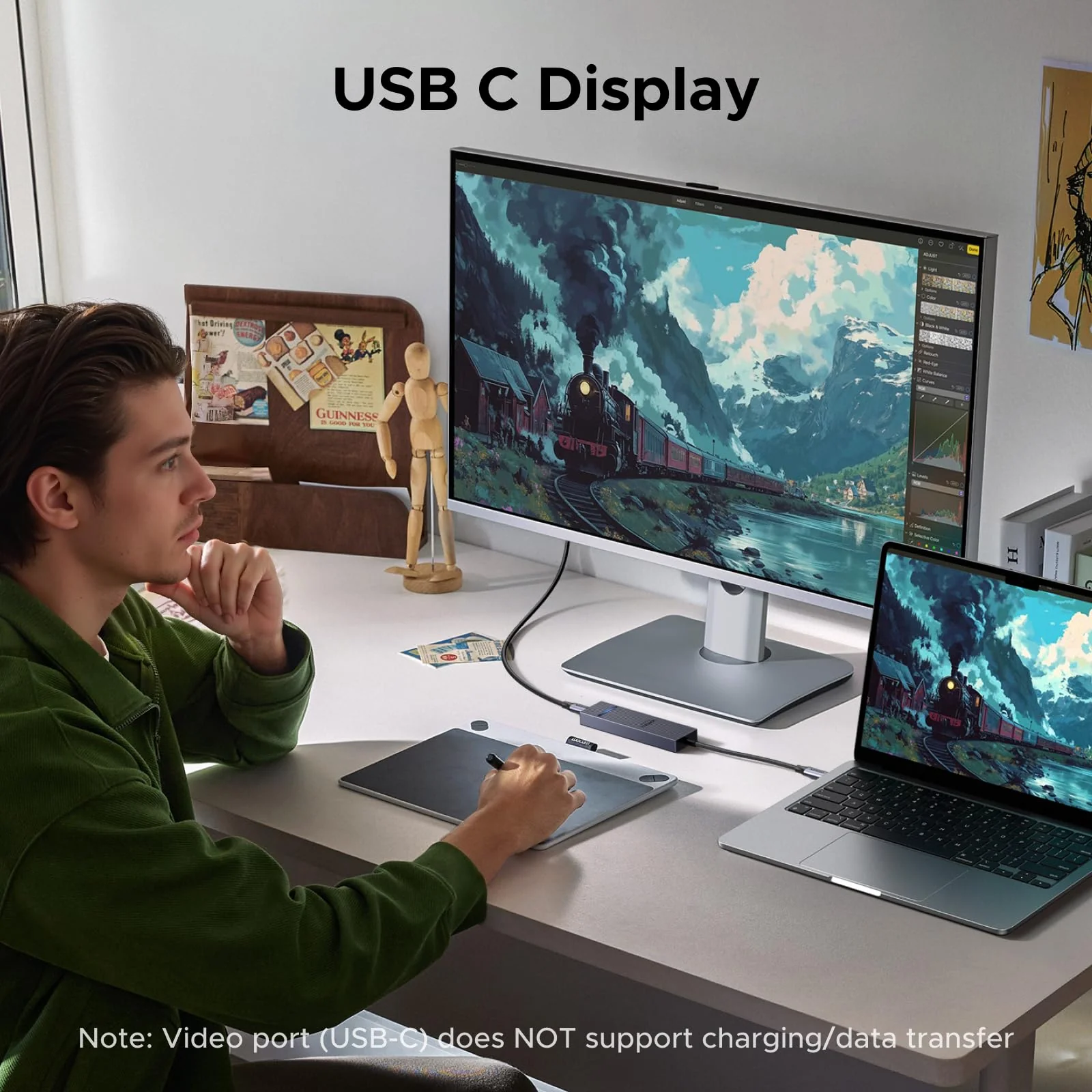
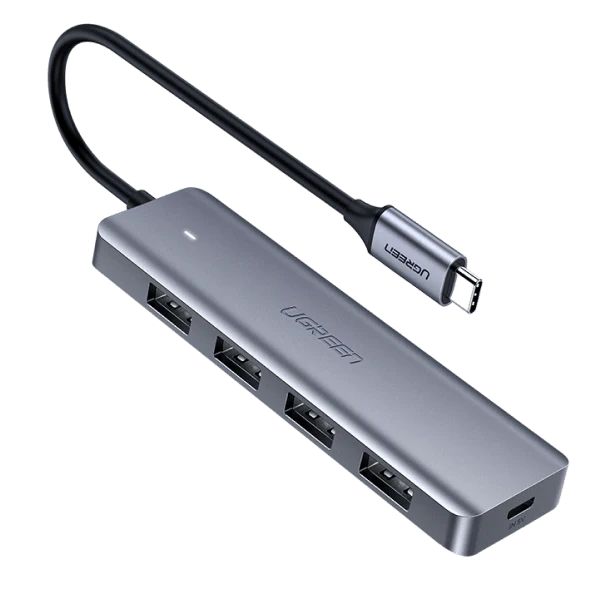
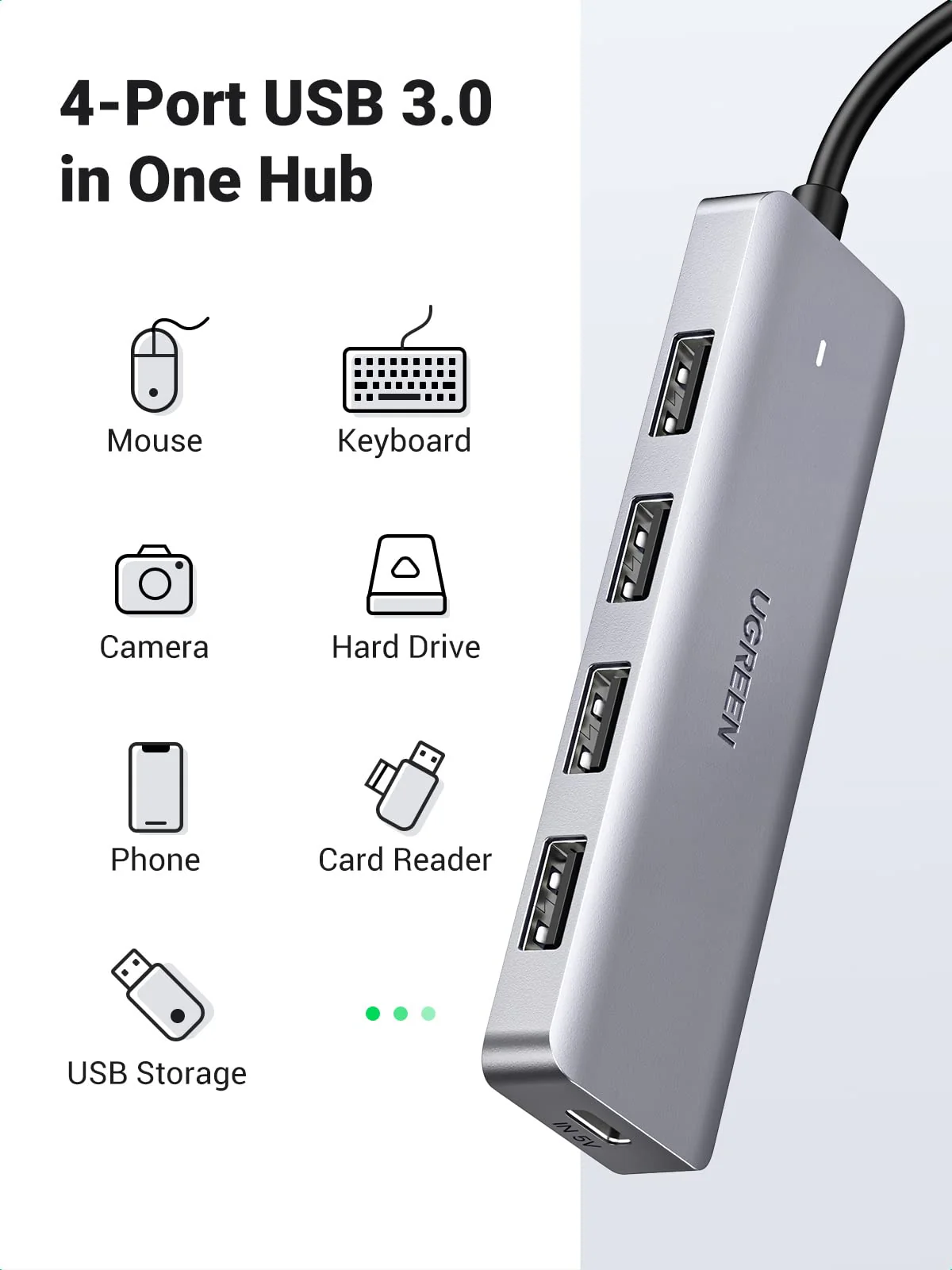
UGREEN 6-in-1 USB-C Hub (USB-C Display, 4K@60Hz, 10Gbps)
Previous page
Next page
Previous page
Next page
Previous page
Next page
Notes:
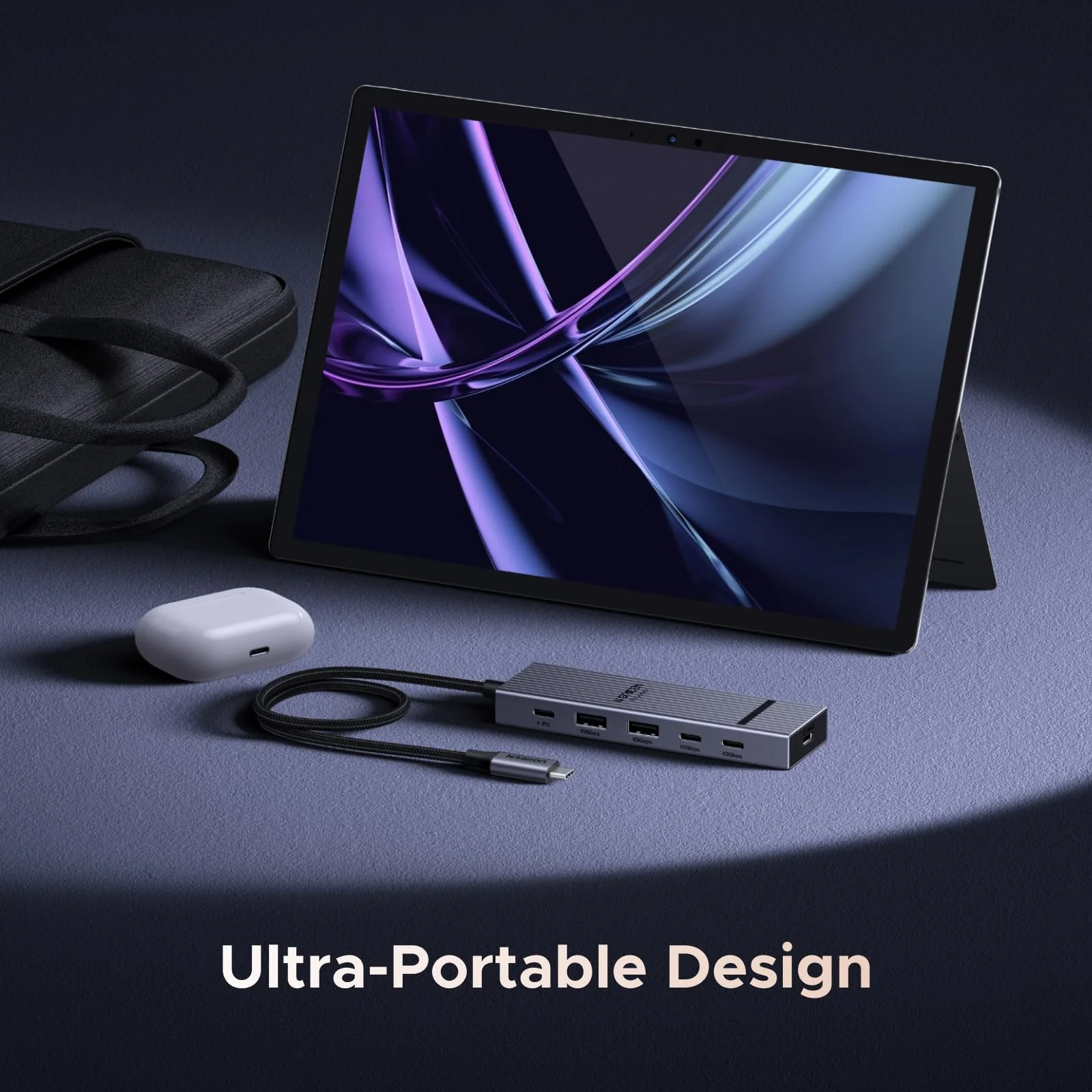
| Specifications | Dimensions: 4.52 x 1.33 x 0.51 in (115 x 34 x13 mm); Cable Length: 30 cm |
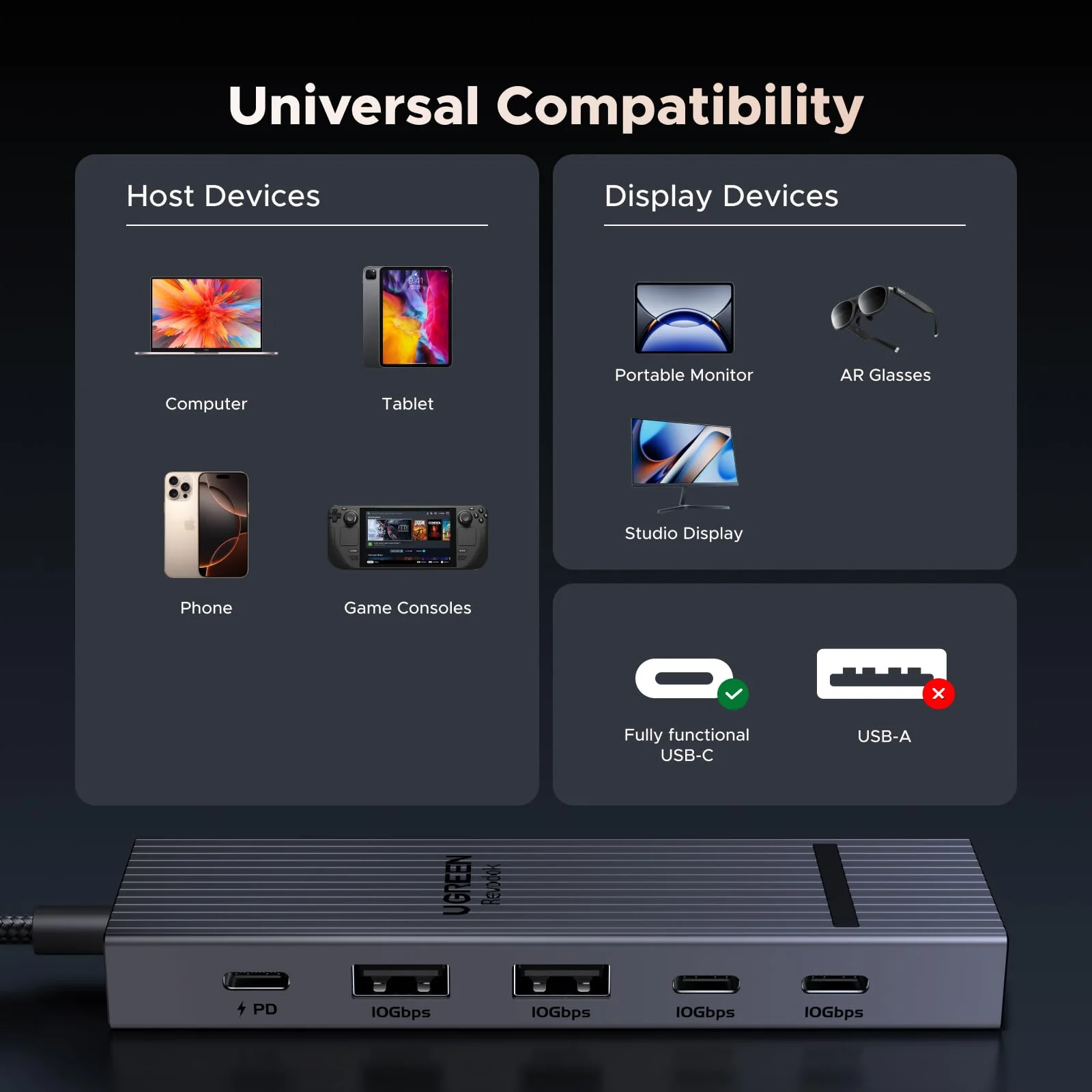
| 1 | For full compatibility, ensure your laptop's USB-C port supports both Power Delivery (for charging) and DisplayPort 1.2/1.4 Alt Mode (for display output), in addition to either USB4, Thunderbolt 4/3. |
| 2 | To achieve maximum 4K@60Hz resolution, ensure your laptop's USB-C port supports DisplayPort 1.4 Alt Mode. |
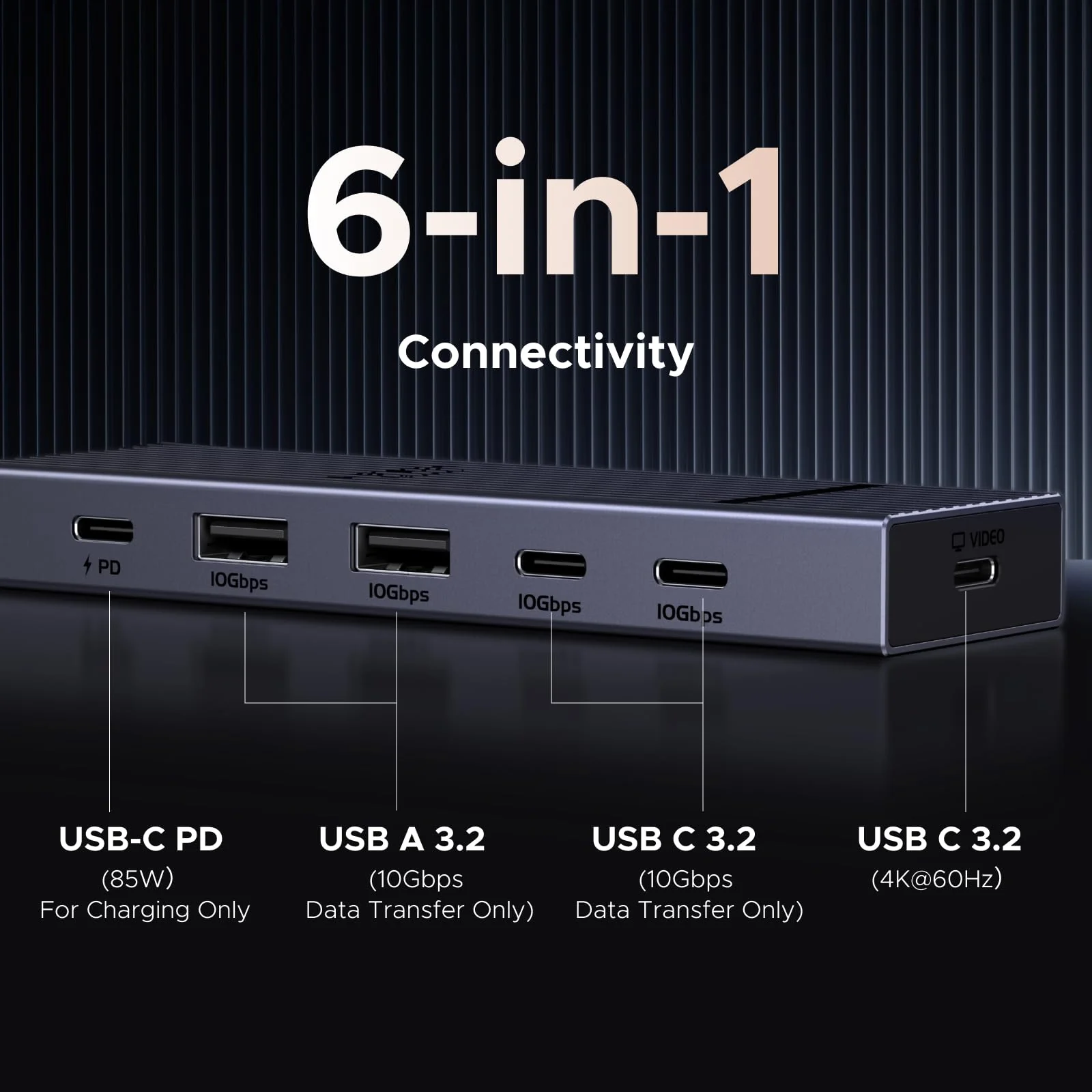
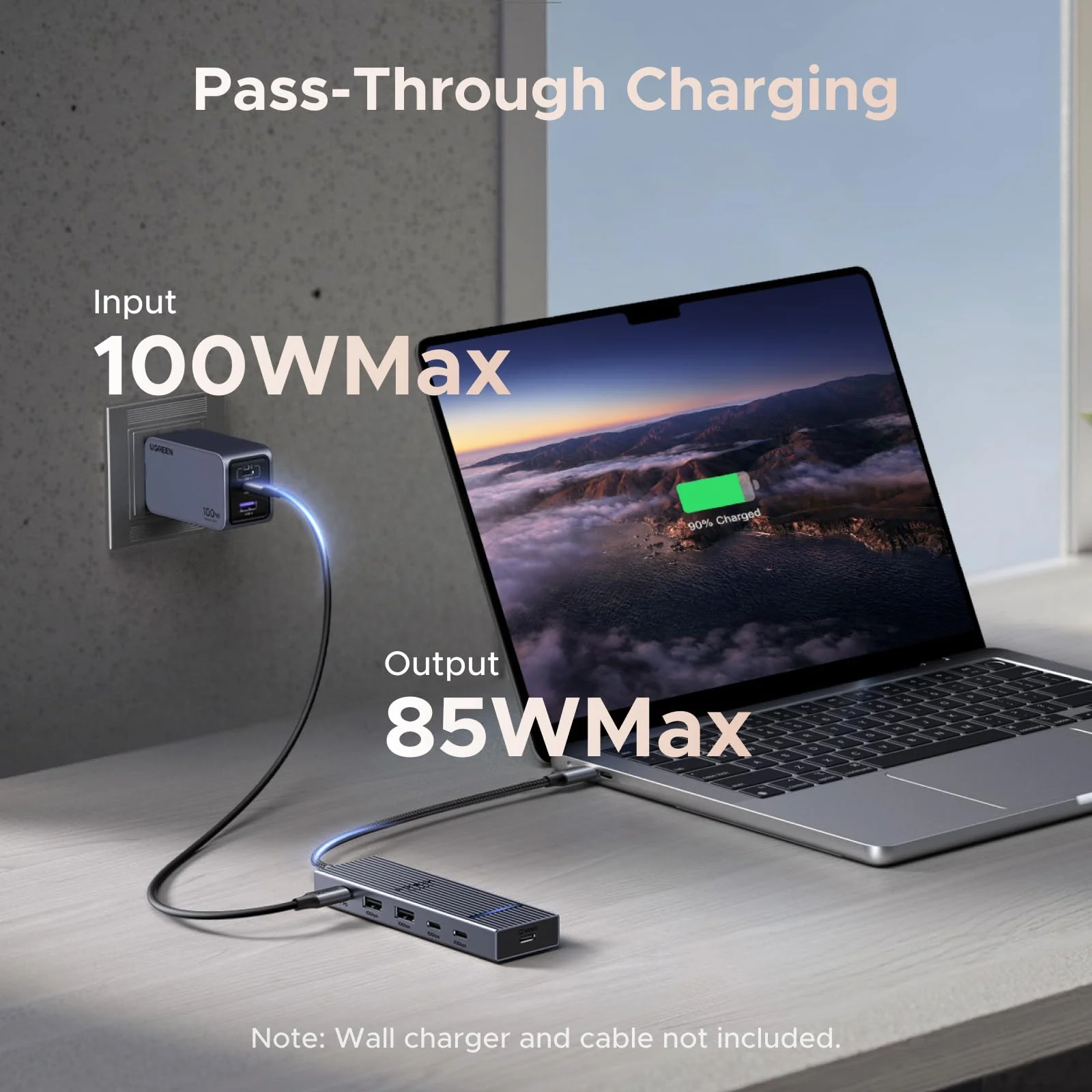
| 3 | The USB-C PD port delivers up to 85W for charging the connected laptop and reserves 15W to power the hub. A 100W Power Delivery charger and cable are required to enable 85W charging. |
| 4 | The USB-C video port is only supports display output. |
| 5 | The USB-C Power Delivery input only supports charging. |
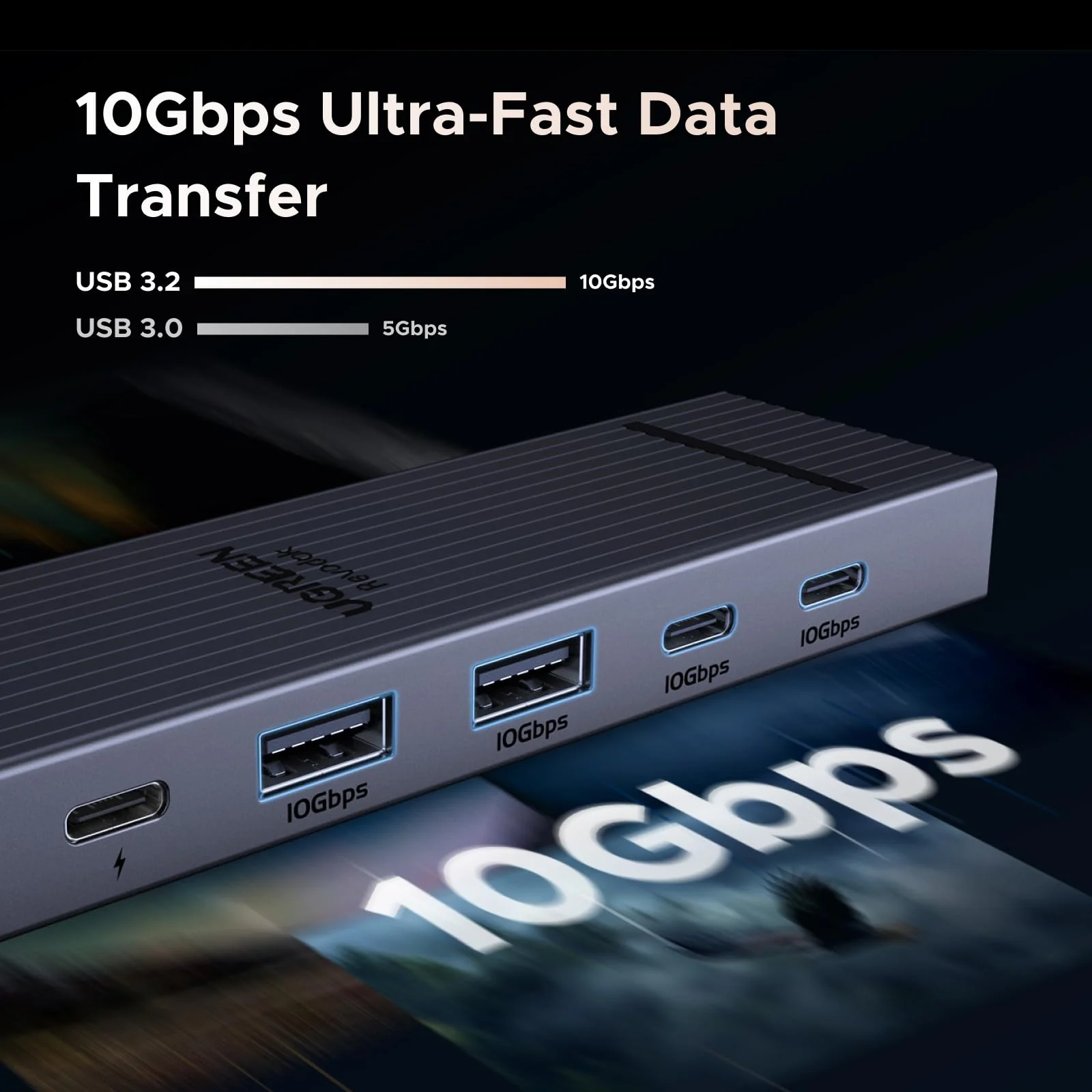
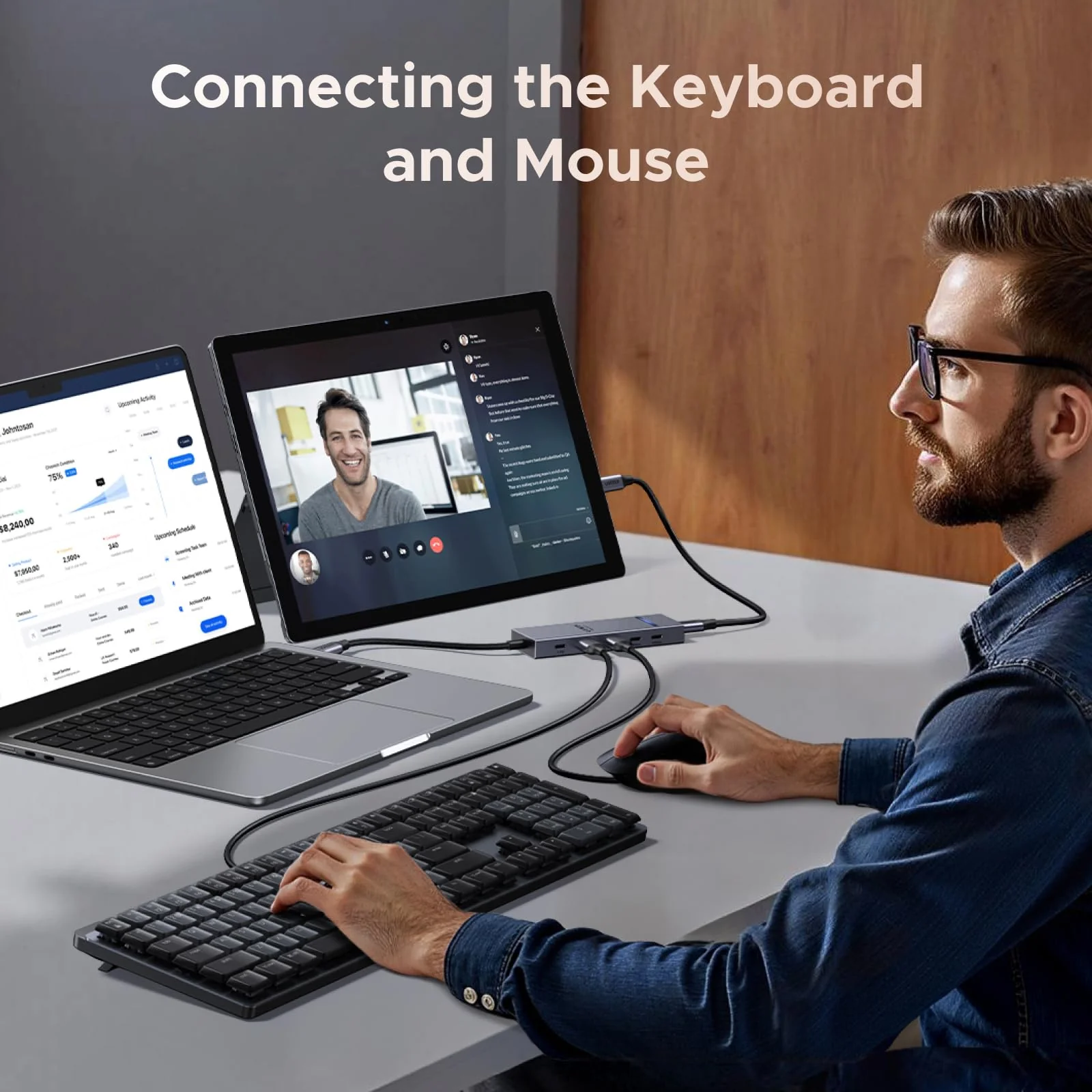
| 6 | The USB-A and USB-C data ports do not support media display or charging. |
| 7 | Wall charger and charging cable not included. |
| 8 | To fully utilize the display capabilities with this hub, use a Full-Function USB-C cable no longer than 2 m. |
| 9 | We recommend using a PD charger with your phone or tablet while connected to the hub to ensure stable video output. |
Product Information
Product Information
Shipping & Returns
Shipping & Returns


UGREEN Revodok Pro 6-in-1 USB-C Hub (4K@60Hz, 4x 10Gbps, 100W PD)
UGREEN 6-in-1 USB-C Hub (USB-C Display, 4K@60Hz, 10Gbps)
Previous page
Next page
Previous page
Next page
Previous page
Next page
Notes:
| Specifications | Dimensions: 4.52 x 1.33 x 0.51 in (115 x 34 x13 mm); Cable Length: 30 cm |
| 1 | For full compatibility, ensure your laptop's USB-C port supports both Power Delivery (for charging) and DisplayPort 1.2/1.4 Alt Mode (for display output), in addition to either USB4, Thunderbolt 4/3. |
| 2 | To achieve maximum 4K@60Hz resolution, ensure your laptop's USB-C port supports DisplayPort 1.4 Alt Mode. |
| 3 | The USB-C PD port delivers up to 85W for charging the connected laptop and reserves 15W to power the hub. A 100W Power Delivery charger and cable are required to enable 85W charging. |
| 4 | The USB-C video port is only supports display output. |
| 5 | The USB-C Power Delivery input only supports charging. |
| 6 | The USB-A and USB-C data ports do not support media display or charging. |
| 7 | Wall charger and charging cable not included. |
| 8 | To fully utilize the display capabilities with this hub, use a Full-Function USB-C cable no longer than 2 m. |
| 9 | We recommend using a PD charger with your phone or tablet while connected to the hub to ensure stable video output. |
$35.03
UGREEN Revodok Pro 6-in-1 USB-C Hub (4K@60Hz, 4x 10Gbps, 100W PD)—
$35.03
Product Information
Product Information
Shipping & Returns
Shipping & Returns
Description
UGREEN 6-in-1 USB-C Hub (USB-C Display, 4K@60Hz, 10Gbps)
Previous page
Next page
Previous page
Next page
Previous page
Next page
Notes:
| Specifications | Dimensions: 4.52 x 1.33 x 0.51 in (115 x 34 x13 mm); Cable Length: 30 cm |
| 1 | For full compatibility, ensure your laptop's USB-C port supports both Power Delivery (for charging) and DisplayPort 1.2/1.4 Alt Mode (for display output), in addition to either USB4, Thunderbolt 4/3. |
| 2 | To achieve maximum 4K@60Hz resolution, ensure your laptop's USB-C port supports DisplayPort 1.4 Alt Mode. |
| 3 | The USB-C PD port delivers up to 85W for charging the connected laptop and reserves 15W to power the hub. A 100W Power Delivery charger and cable are required to enable 85W charging. |
| 4 | The USB-C video port is only supports display output. |
| 5 | The USB-C Power Delivery input only supports charging. |
| 6 | The USB-A and USB-C data ports do not support media display or charging. |
| 7 | Wall charger and charging cable not included. |
| 8 | To fully utilize the display capabilities with this hub, use a Full-Function USB-C cable no longer than 2 m. |
| 9 | We recommend using a PD charger with your phone or tablet while connected to the hub to ensure stable video output. |