✨ New Arrivals Just Dropped!Explore
HomeStore

UGREEN Revodok Pro Docking Station (12-Port, Triple 4K, 100W)

Product image 1
Product image 2
Product image 3
Product image 4
Product image 5
Product image 6
Product image 7
Product image 8

UGREEN Revodok Pro Docking Station (12-Port, Triple 4K, 100W)

UGREEN Revodok Pro Docking Station (12-Port, Triple 4K, 100W)
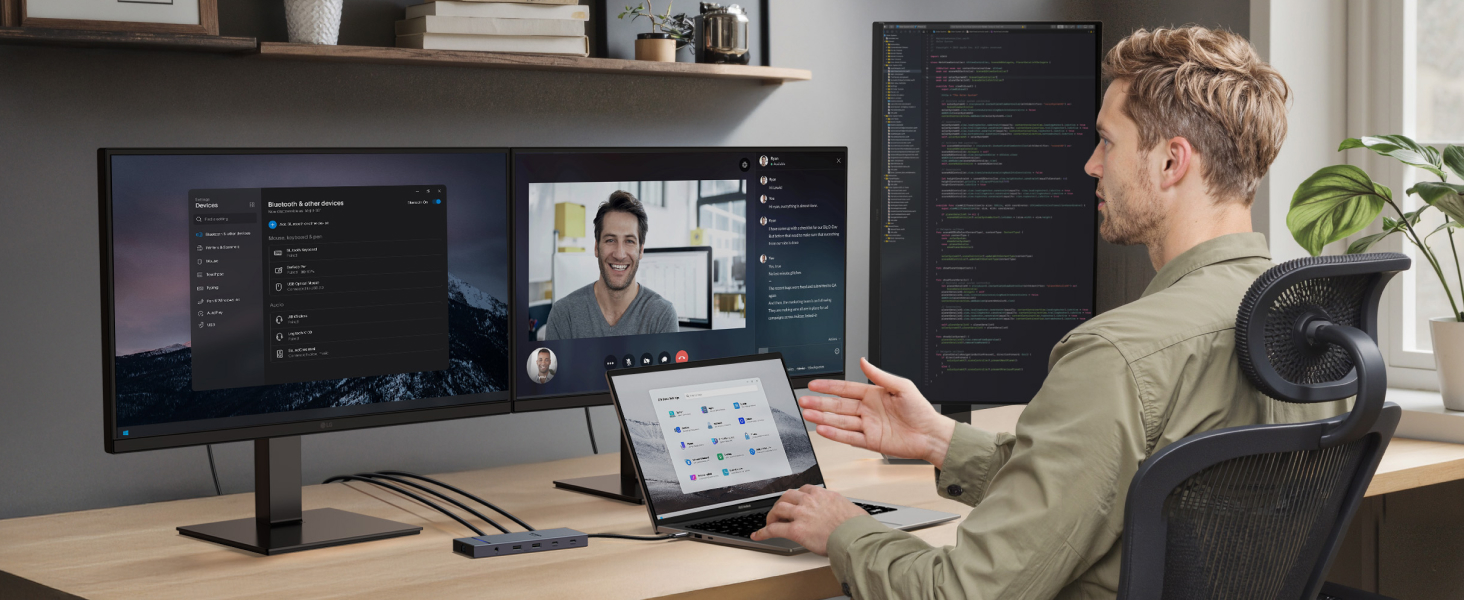
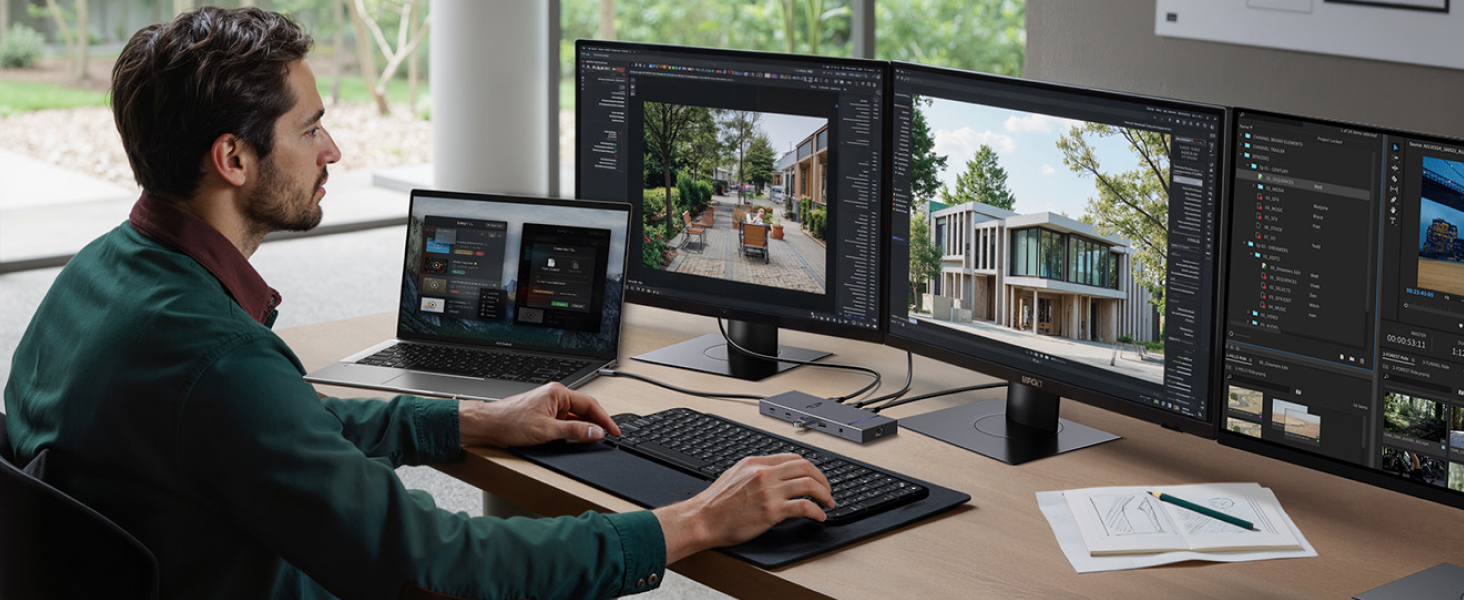
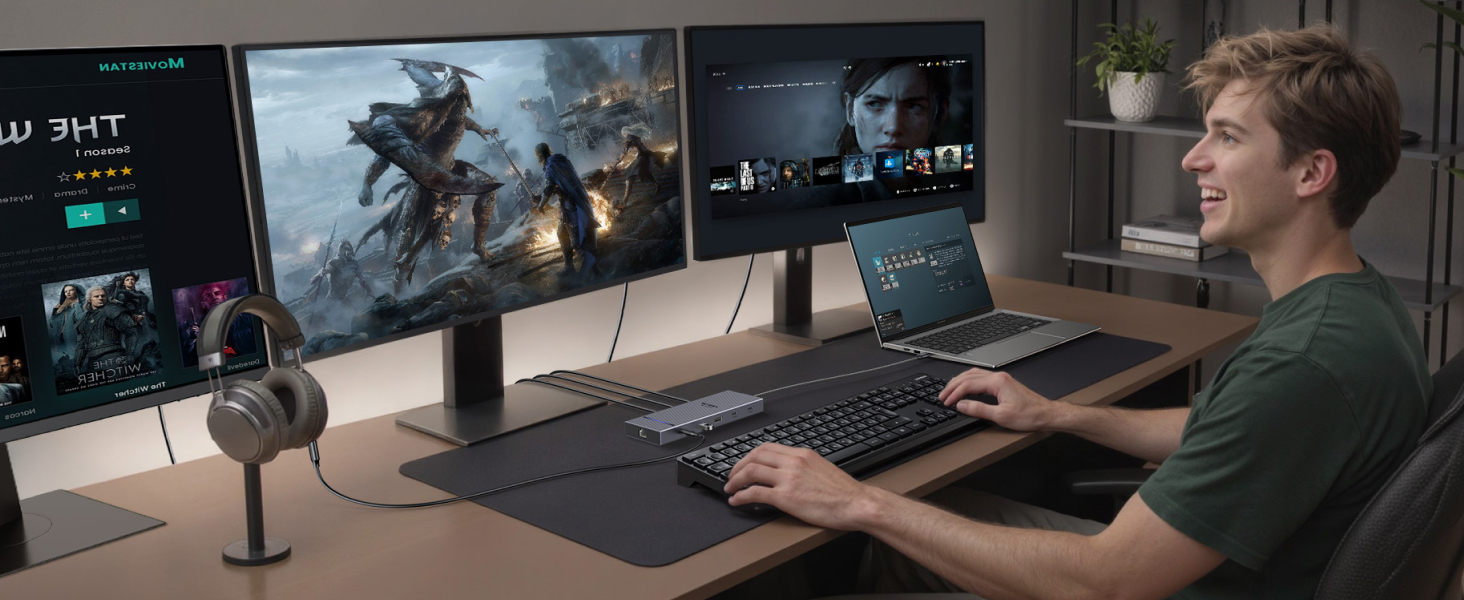
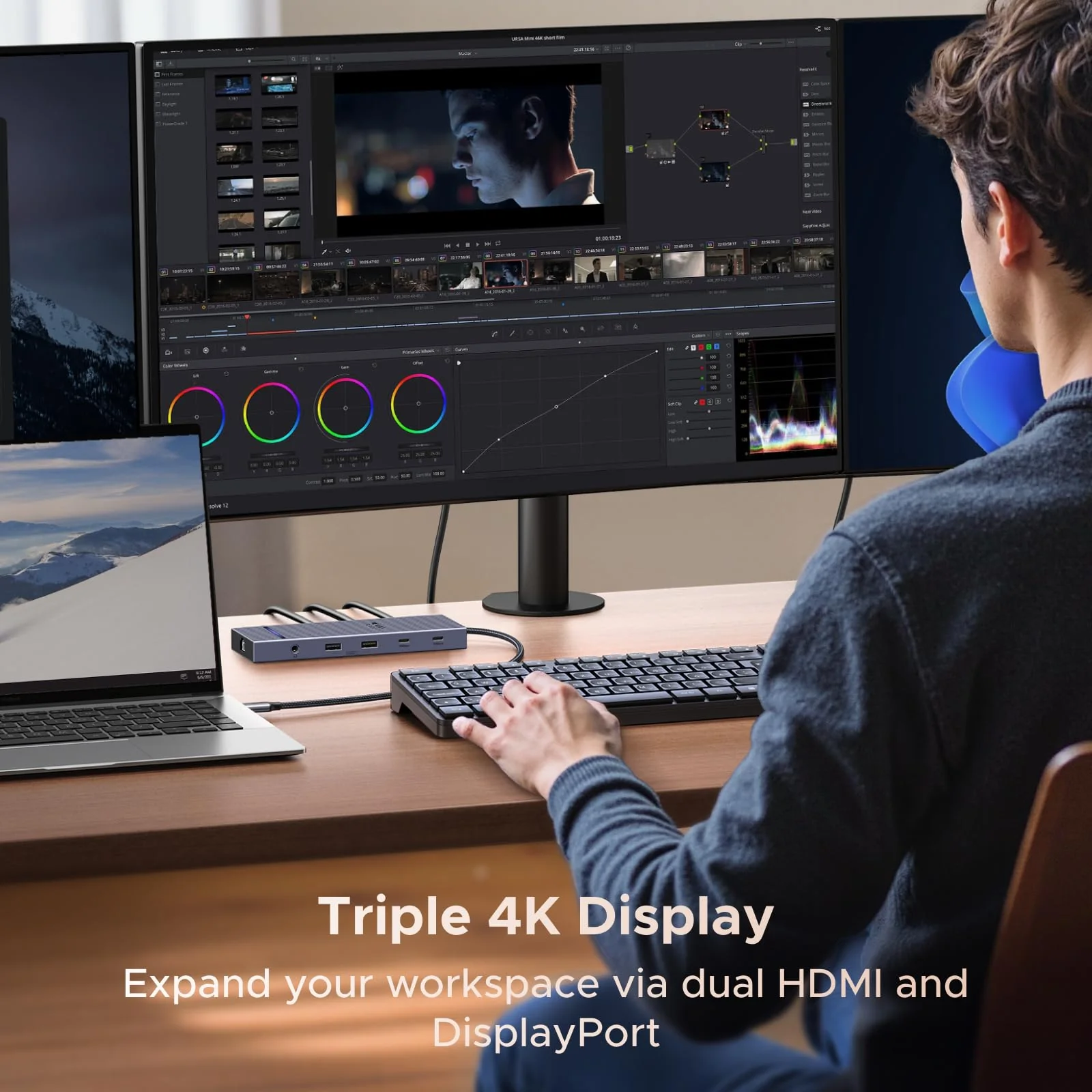
Docking station connected to laptop, three external monitors displaying nature scenes. Person using setup with keyboard and mouse. Product enables multi-screen workspace for increased productivity.
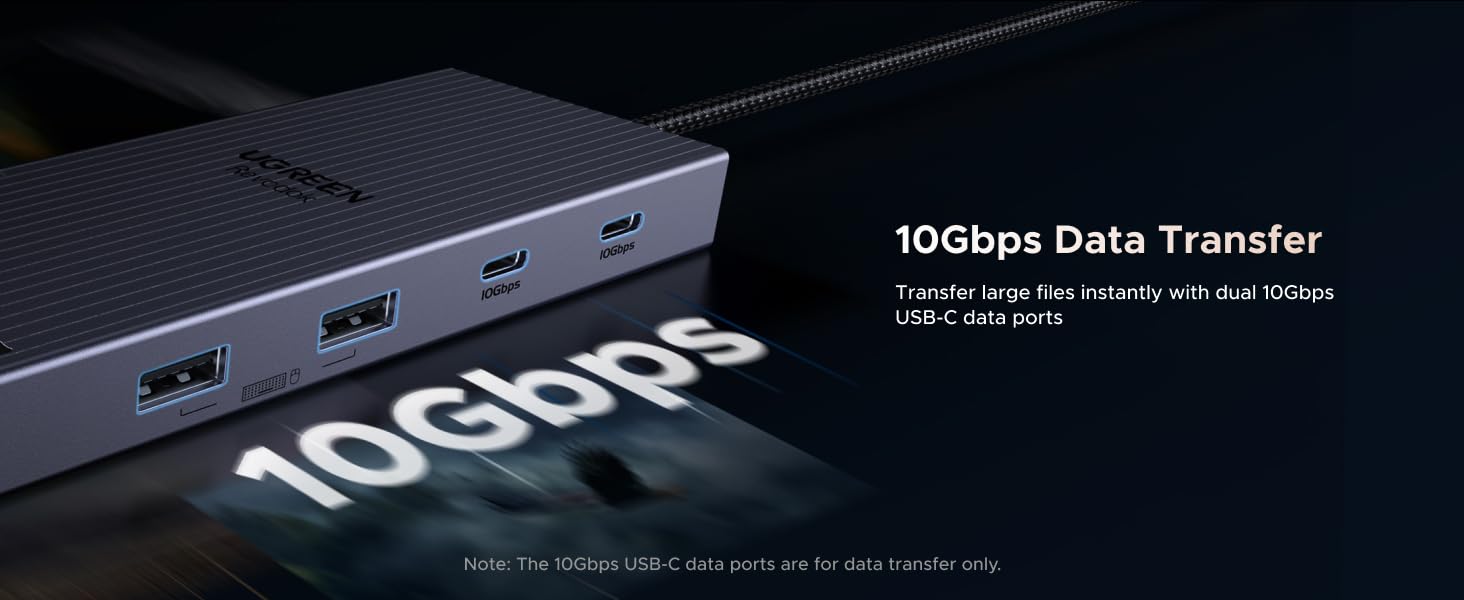
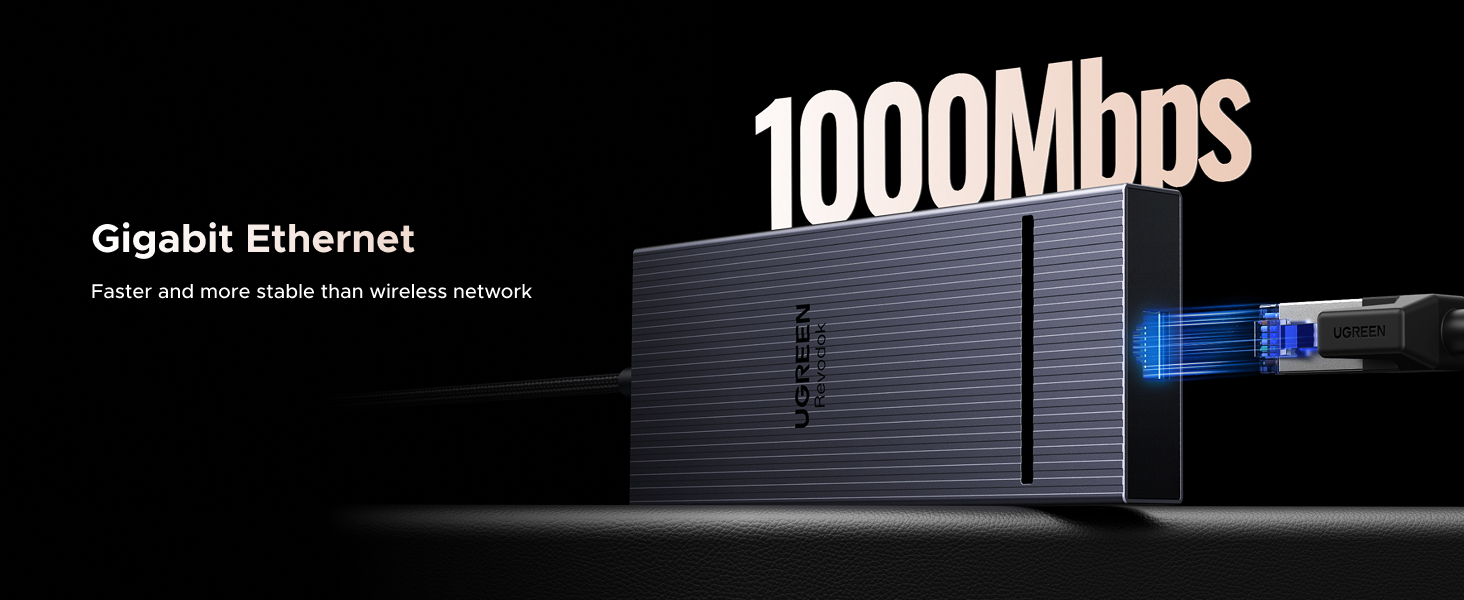
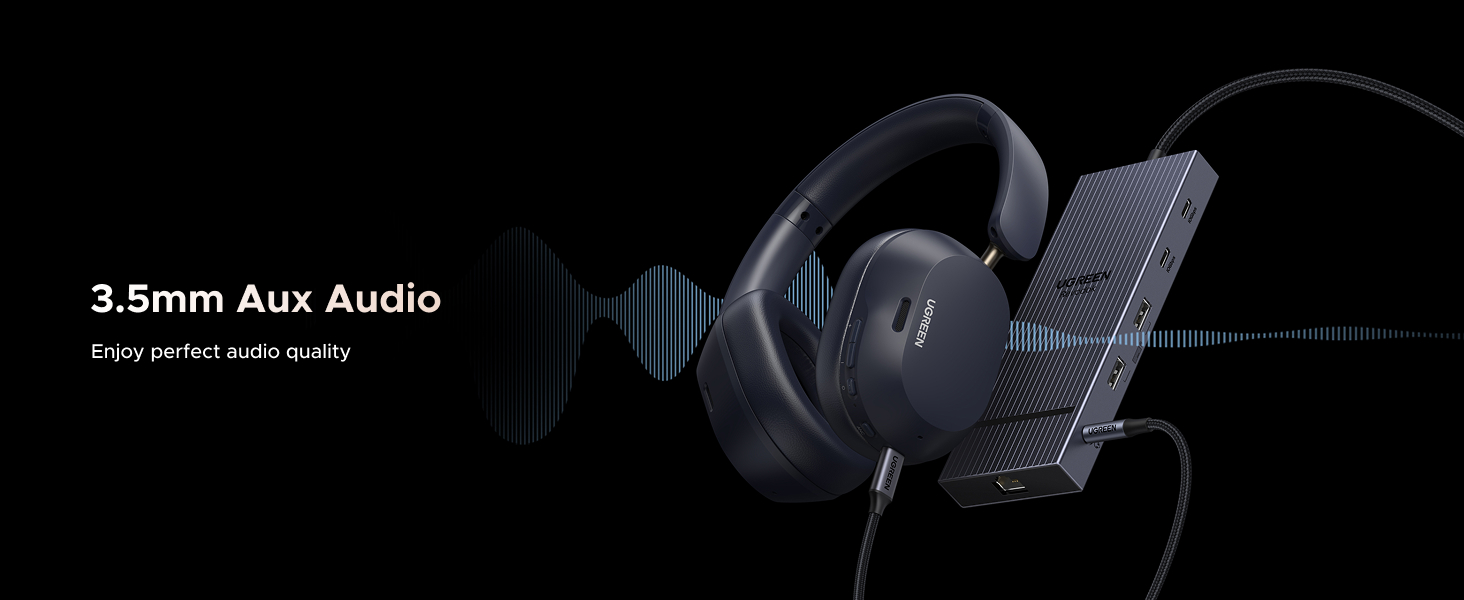
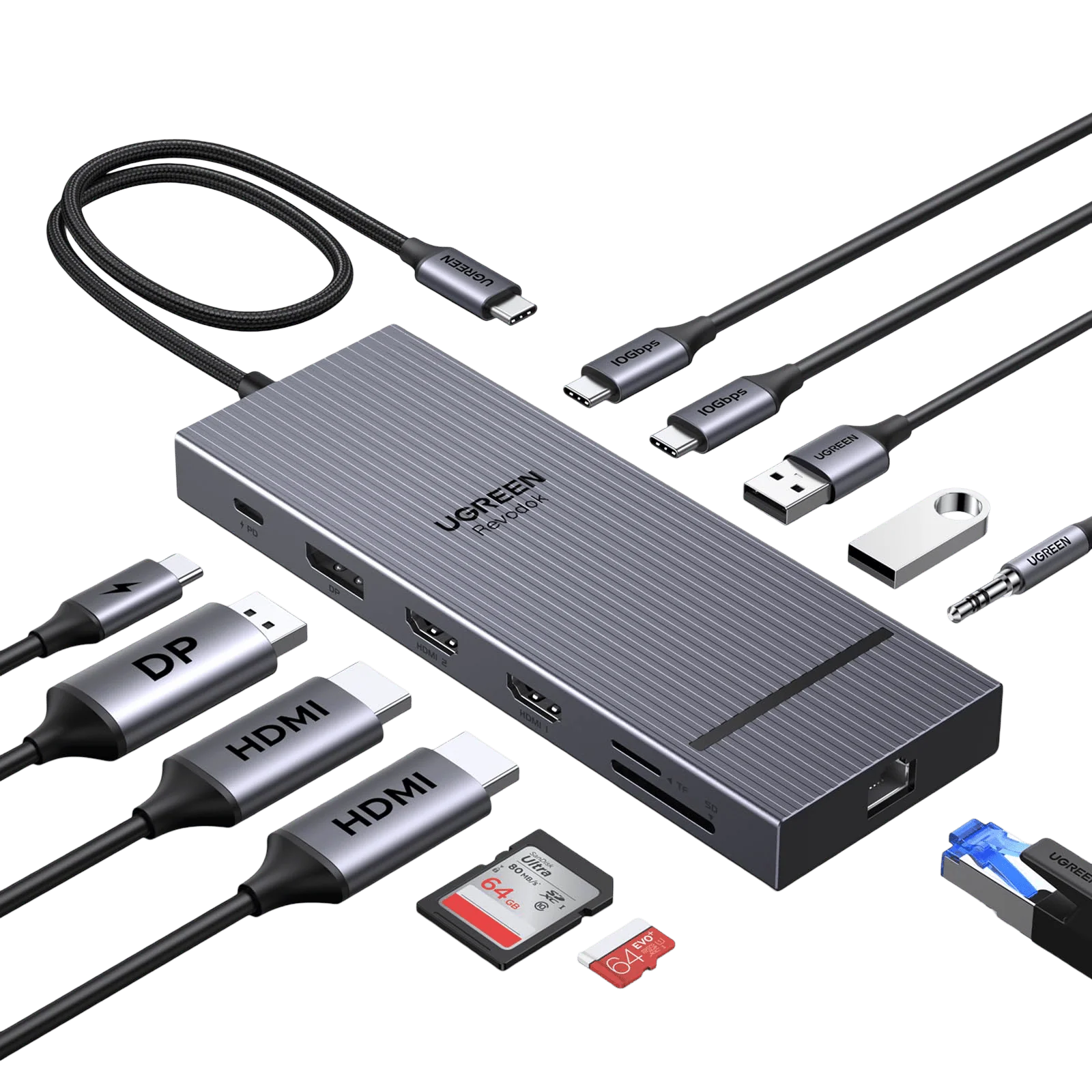
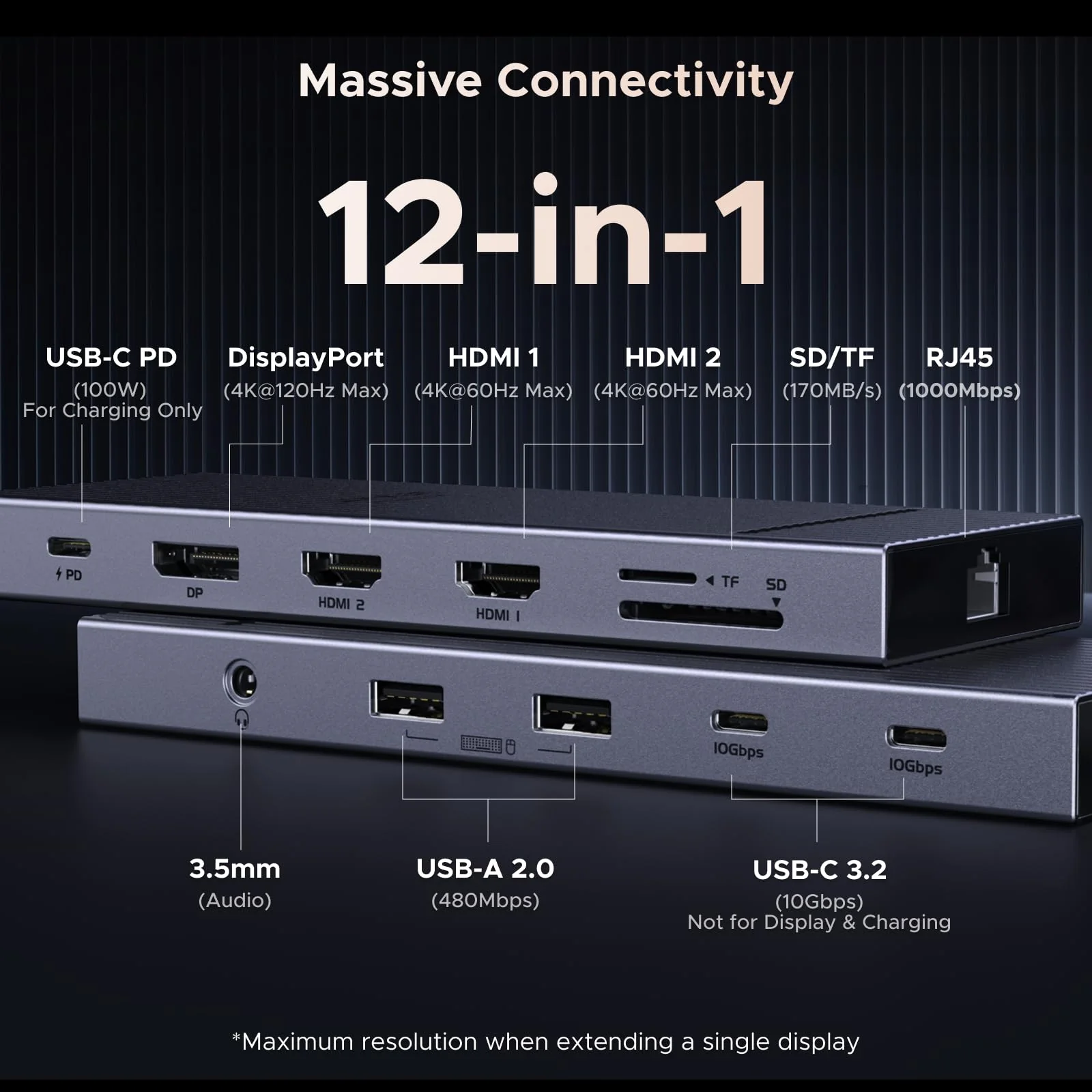
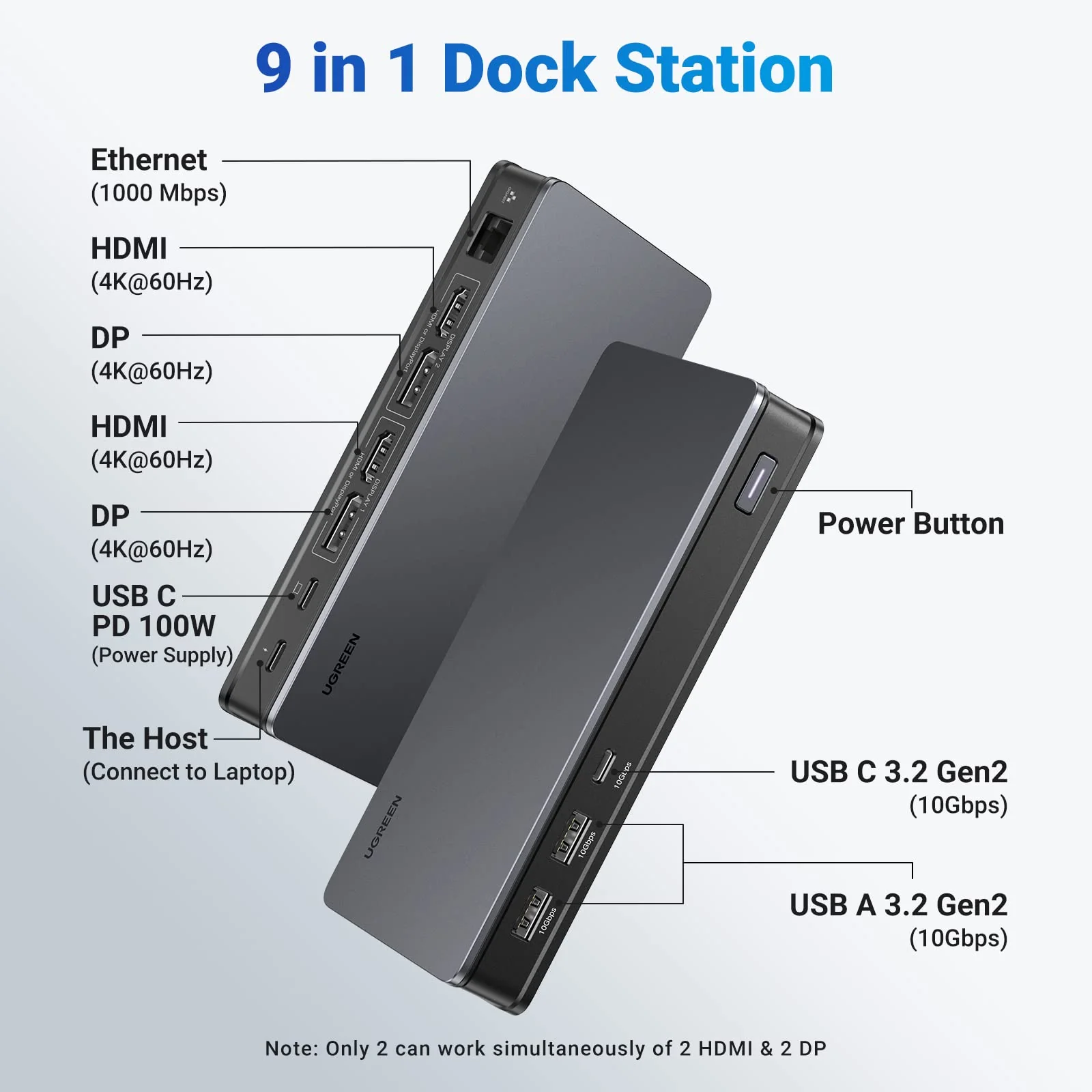
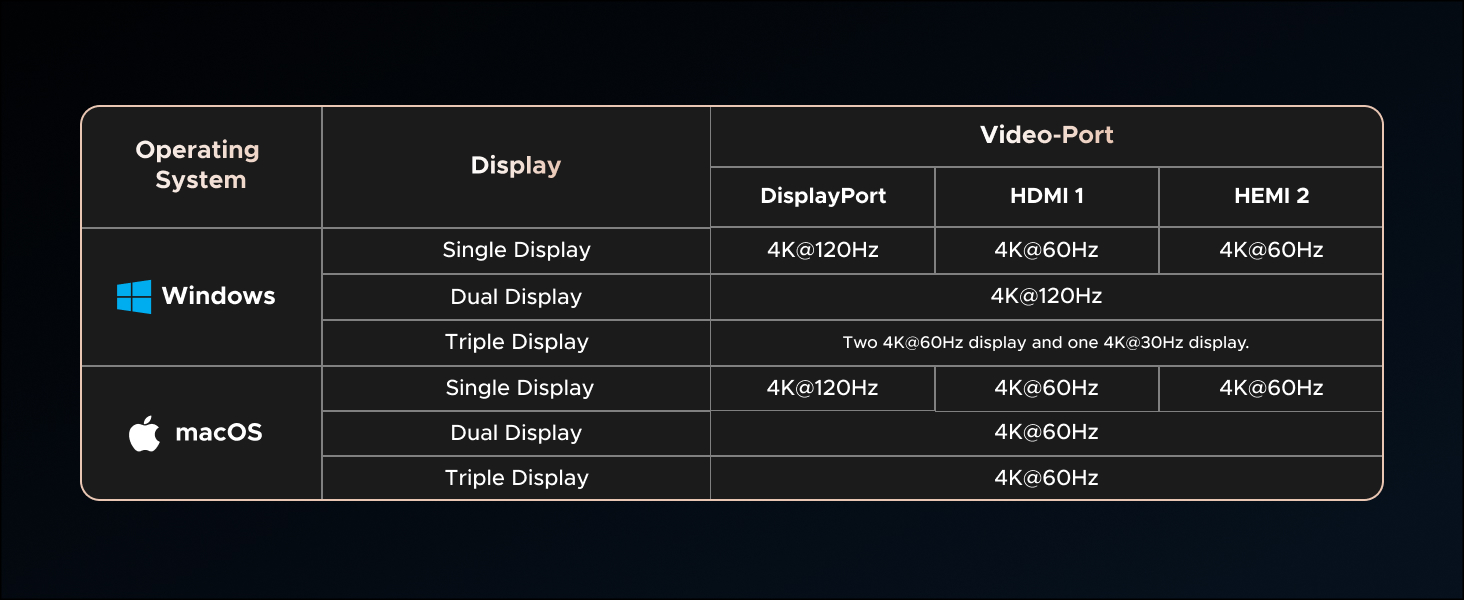
12-in-1 connectivity device with 4K support, multiple ports including HDMI, USB, SD/TF, Ethernet, and audio. Features 10Gbps transfer speed, 100W fast charging, and up to 4K@120Hz display output.

Notes:

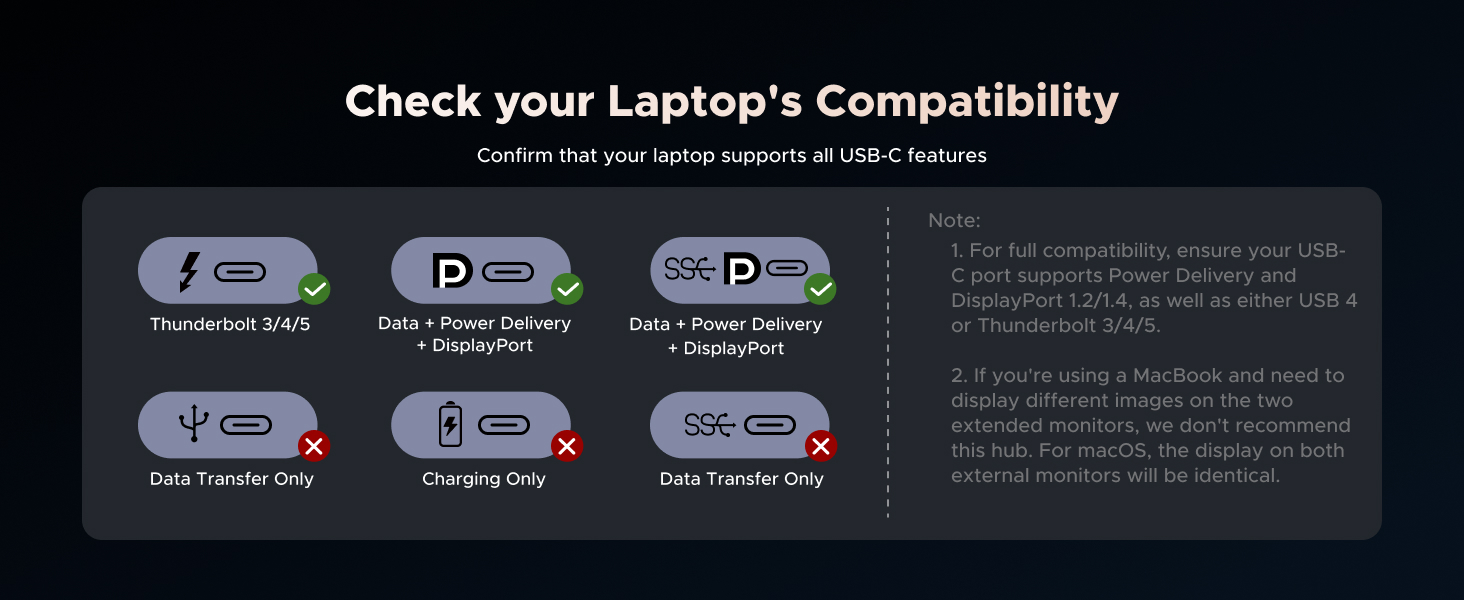
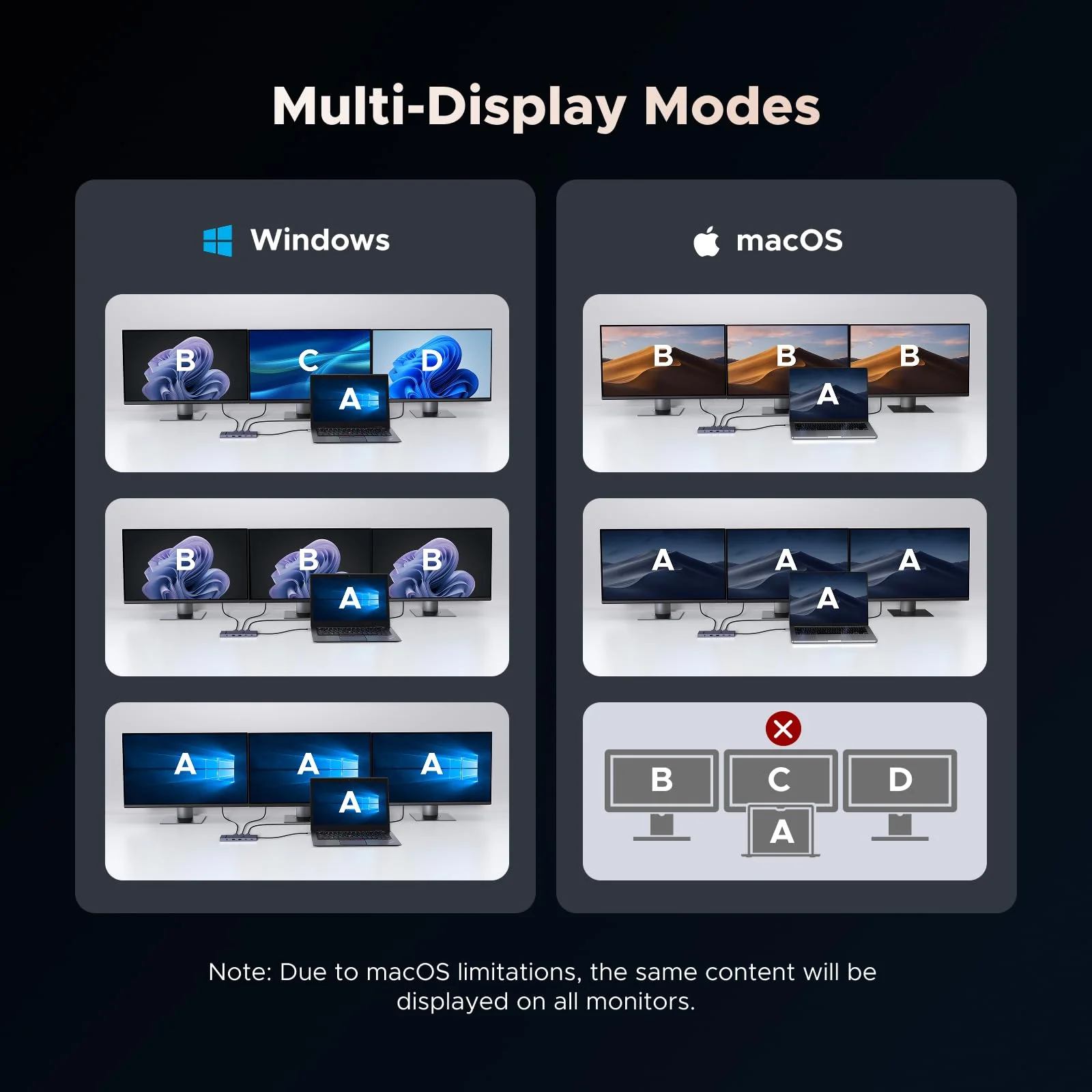
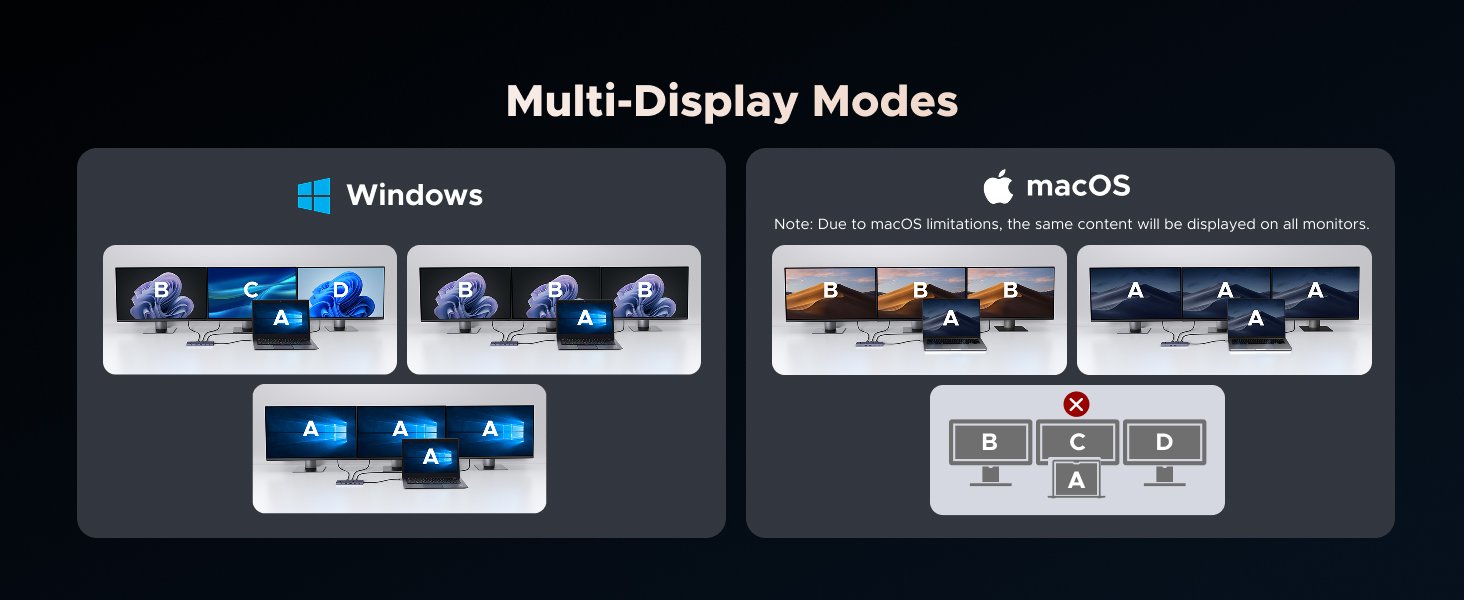
1 If you are using a MacBook and want to connect multiple monitors with different displays, we do not recommend this docking station. For macOS, the displays on all external monitors will be identical.
2 For full compatibility, ensure your laptop's USB-C port supports both Power Delivery and DisplayPort 1.2/1.4 Alt Mode, in addition to either USB4, Thunderbolt 5/4/3.
3 Only DisplayPort supports high-refresh-rate monitors. For 4K@120Hz, ensure your laptop’s USB-C port supports DP1.4 with DSC (Display Stream Compression)
4 To ensure you achieve the described 4K@120Hz display with this dock, use a DisplayPort 1.4 cable no longer than 3 m (28AWG).
5 DisplayPort not supports VRR function.
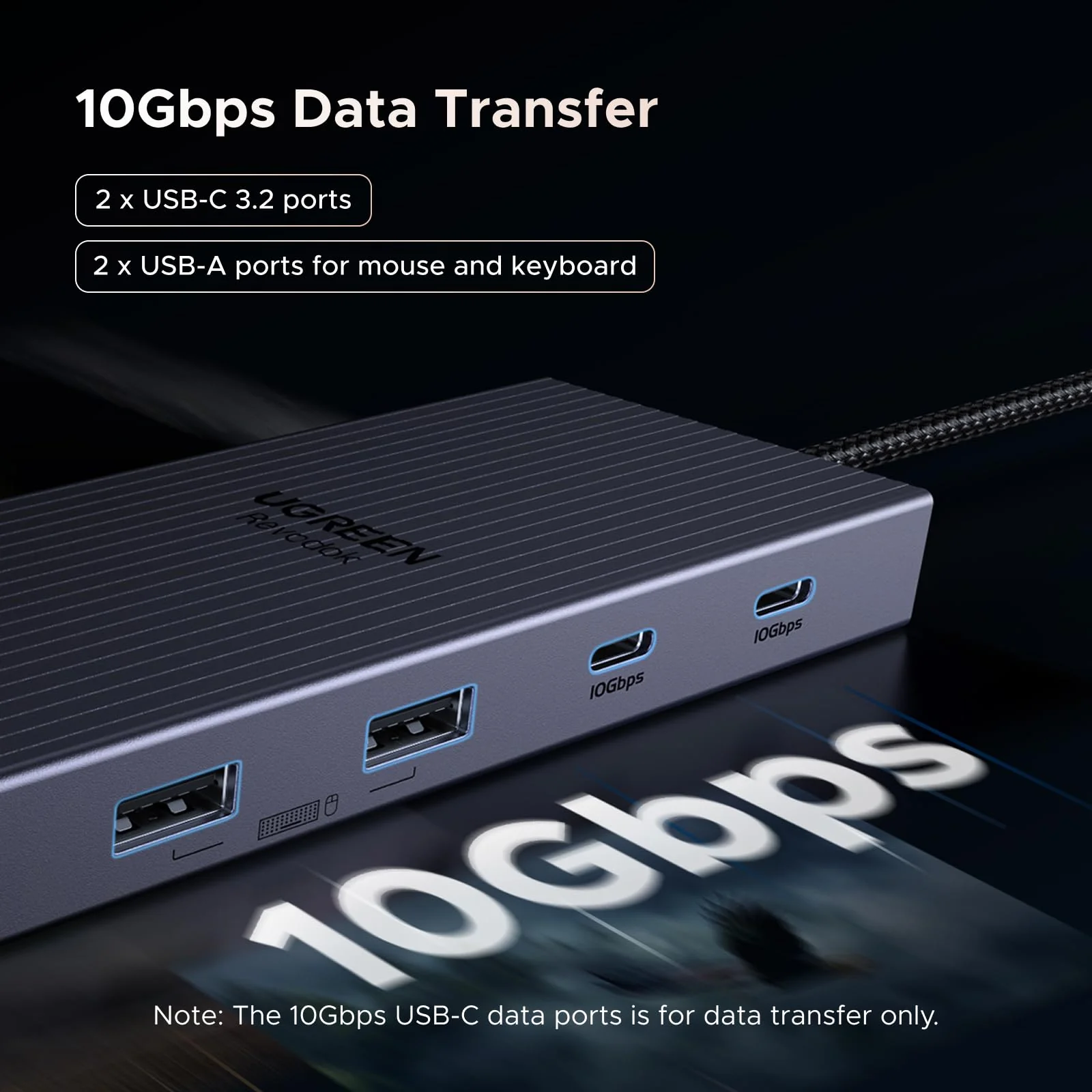
6 The USB-A and USB-C data ports do not support media display or charging.
7 The USB-C Power Delivery input only supports charging.
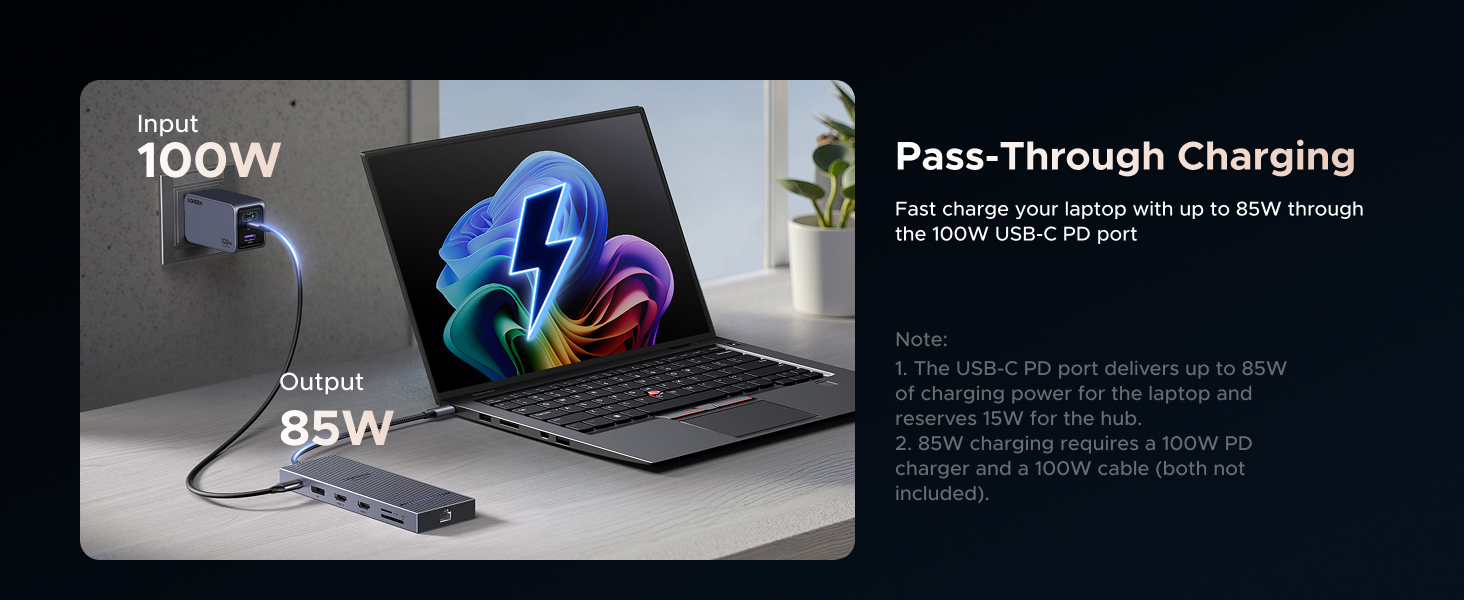
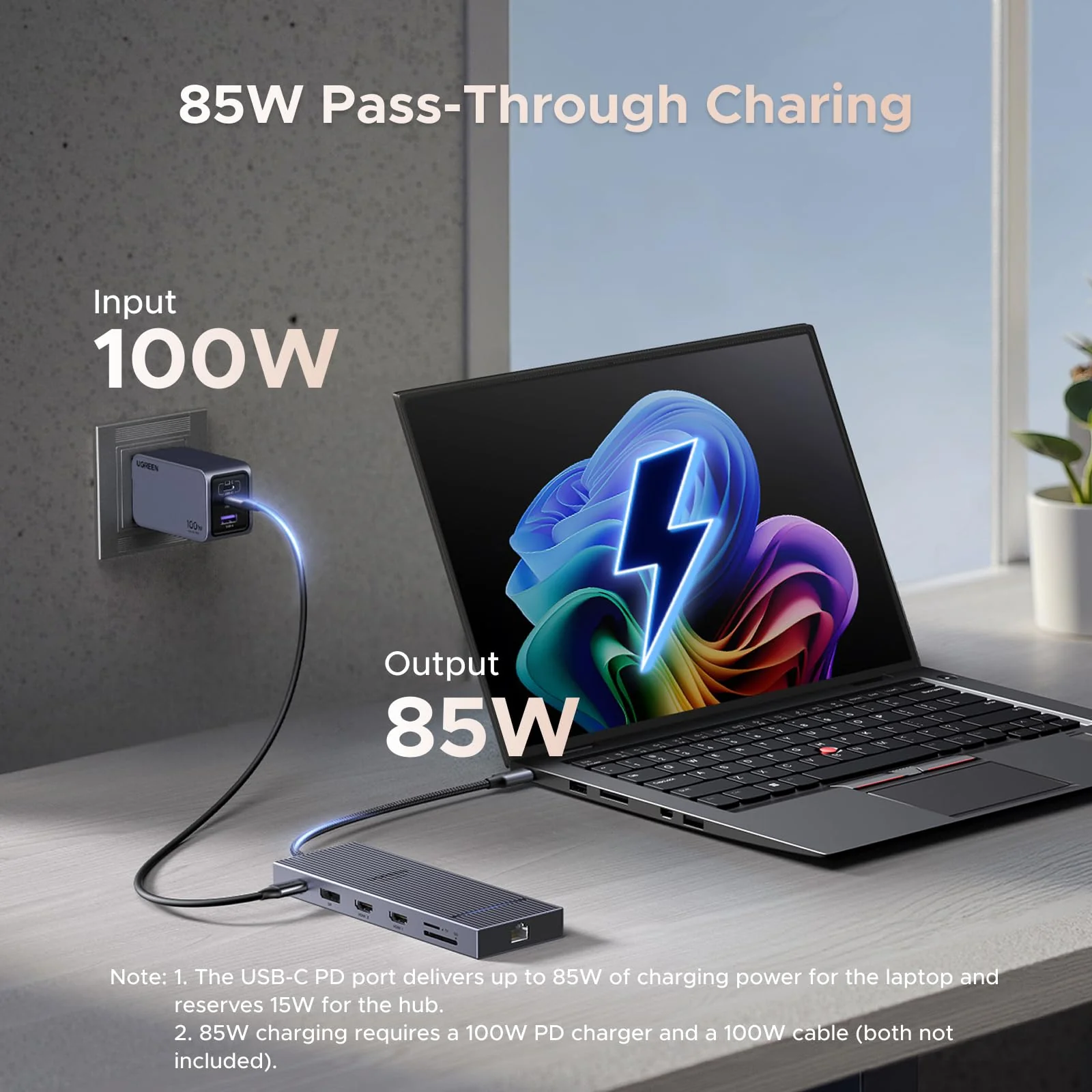
8 When connected to a PD wall charger and a USB-C to USB-C cable, both supporting 100W PD charging, the hub's USB-C PD port provides up to 85W to charge your device, allocating 15W for its own operation. For optimal performance, select a wall charger that is at least 15W more powerful than your device's original charger.
9 Wall charger and charging cable not included.
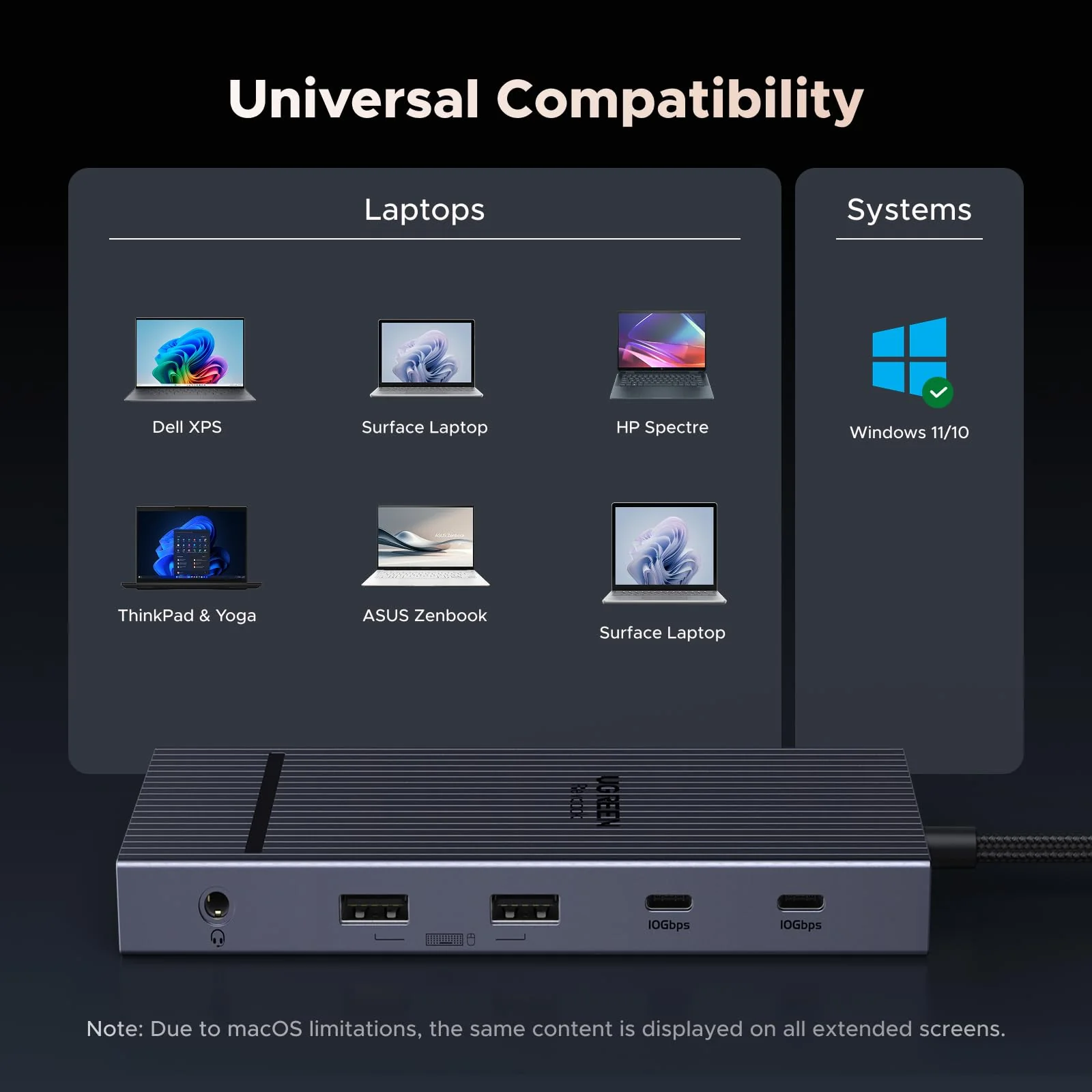
10 This dock is not compatible with laptops with Linux OS, Switch 1/2.
11 480Mbps USB-A ports can be used with USB drives, keyboards and mice; however, for devices that require high transfer speeds, such as hard drives and solid-state drives, we recommend using the 10Gbps USB-C port.
$32.70

Original: $93.44

-65%
UGREEN Revodok Pro Docking Station (12-Port, Triple 4K, 100W)
$93.44

$32.70

Product Information

Shipping & Returns

Description

Docking station connected to laptop, three external monitors displaying nature scenes. Person using setup with keyboard and mouse. Product enables multi-screen workspace for increased productivity.
12-in-1 connectivity device with 4K support, multiple ports including HDMI, USB, SD/TF, Ethernet, and audio. Features 10Gbps transfer speed, 100W fast charging, and up to 4K@120Hz display output.

Notes:

1 If you are using a MacBook and want to connect multiple monitors with different displays, we do not recommend this docking station. For macOS, the displays on all external monitors will be identical.
2 For full compatibility, ensure your laptop's USB-C port supports both Power Delivery and DisplayPort 1.2/1.4 Alt Mode, in addition to either USB4, Thunderbolt 5/4/3.
3 Only DisplayPort supports high-refresh-rate monitors. For 4K@120Hz, ensure your laptop’s USB-C port supports DP1.4 with DSC (Display Stream Compression)
4 To ensure you achieve the described 4K@120Hz display with this dock, use a DisplayPort 1.4 cable no longer than 3 m (28AWG).
5 DisplayPort not supports VRR function.
6 The USB-A and USB-C data ports do not support media display or charging.
7 The USB-C Power Delivery input only supports charging.
8 When connected to a PD wall charger and a USB-C to USB-C cable, both supporting 100W PD charging, the hub's USB-C PD port provides up to 85W to charge your device, allocating 15W for its own operation. For optimal performance, select a wall charger that is at least 15W more powerful than your device's original charger.
9 Wall charger and charging cable not included.
10 This dock is not compatible with laptops with Linux OS, Switch 1/2.
11 480Mbps USB-A ports can be used with USB drives, keyboards and mice; however, for devices that require high transfer speeds, such as hard drives and solid-state drives, we recommend using the 10Gbps USB-C port.
UGREEN Revodok Pro Docking Station (12-Port, Triple 4K, 100W) | UGREEN