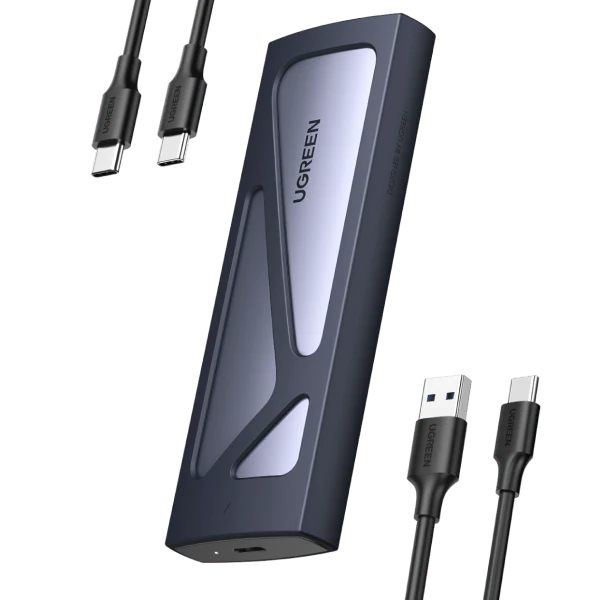
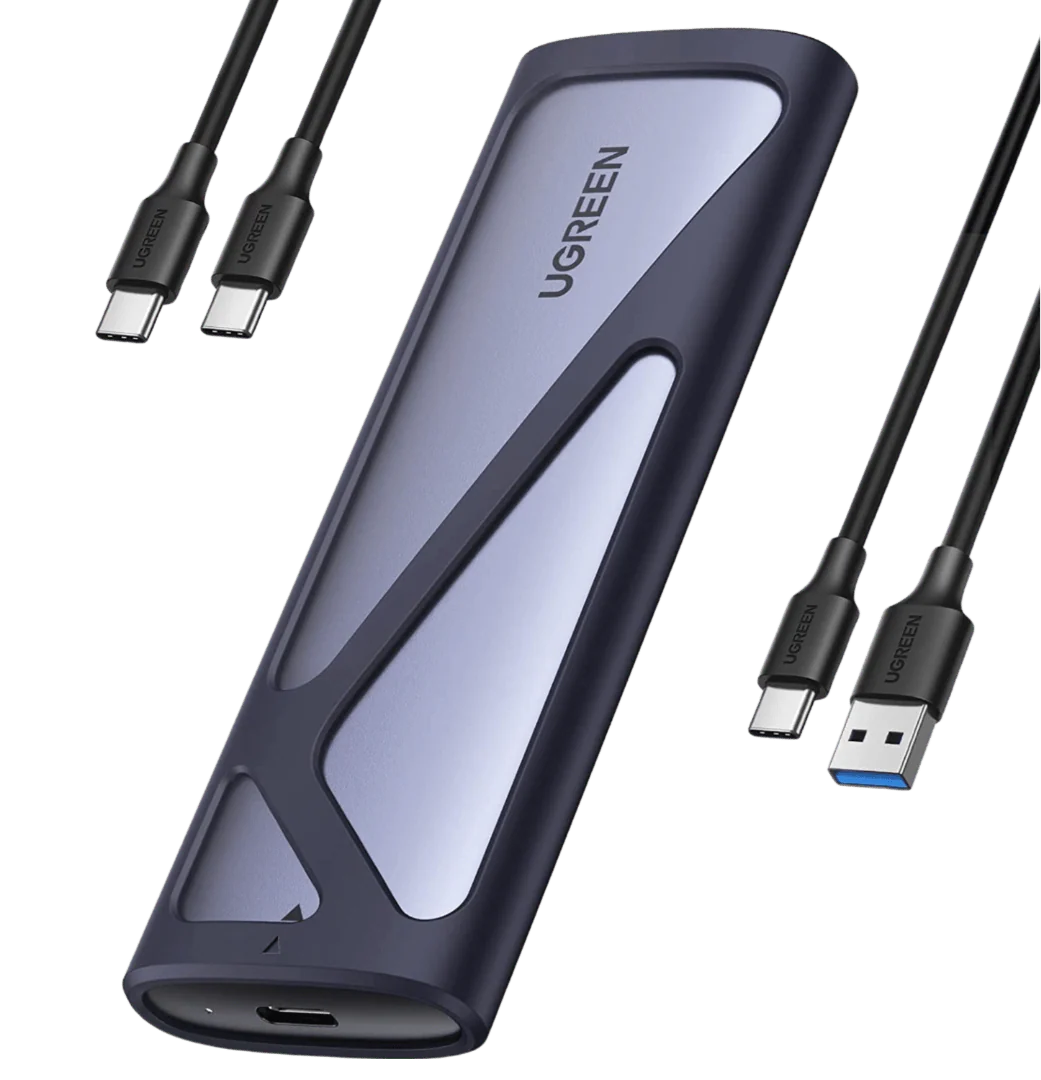
UGREEN 2-in-1 M.2 NVMe & SATA SSD Enclosure (USB-C 10Gbps, Aluminum, Thermal Pad)
UGREEN M2 Enclosure USB 3.2 Gen 2 10 Gbps Aluminum

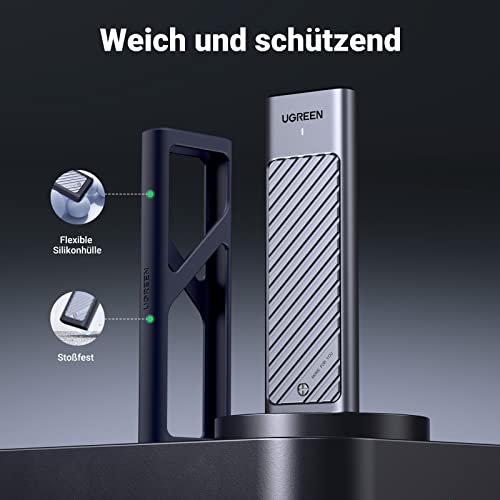
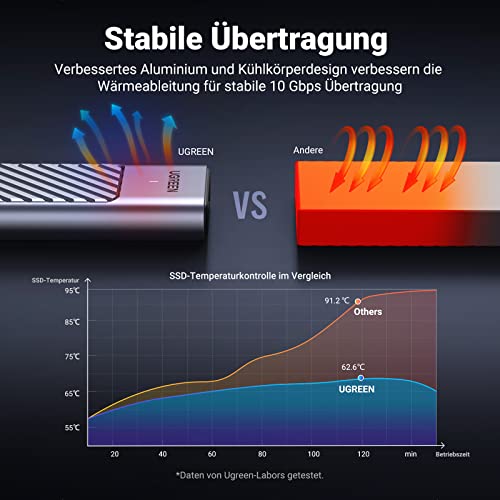
Enhanced heat dissipation enables faster data transfer.
- Intelligent chip

- Super 10 Gbps

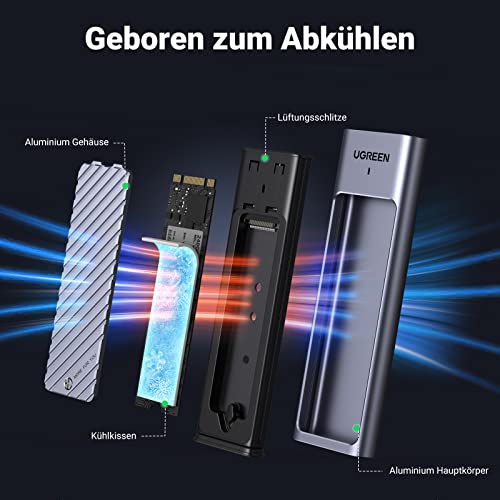
- Multilayer cooling

- Excellent heat dissipation


- For image design

- For film

- Game acceleration

- For video clips

Installation instructions
The scope of delivery includes all necessary components and a small screwdriver to make SSD installation easy.
_
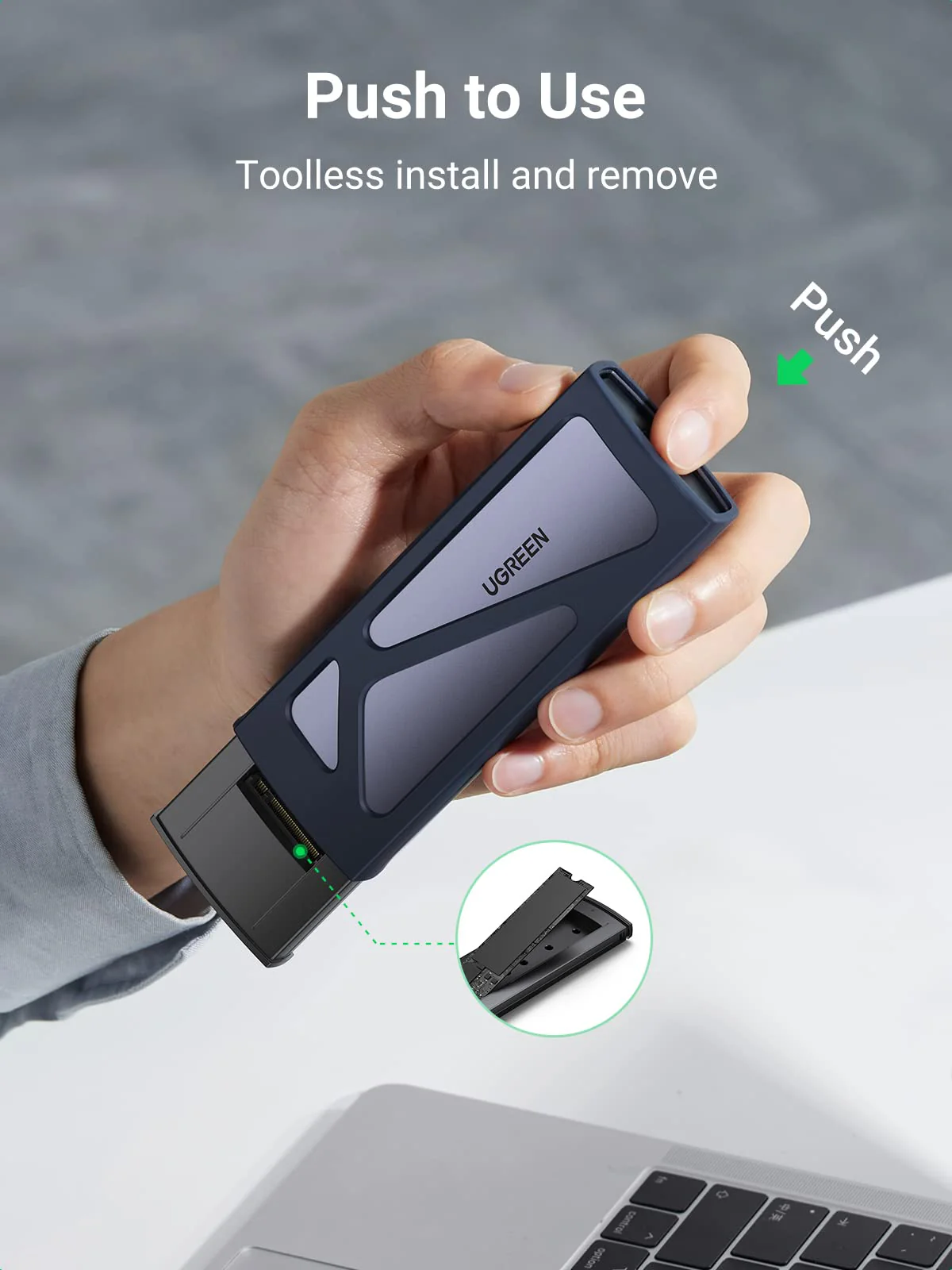
- Insert and secure M.2 SSD onto the enclosure board.
- Carefully place the cooling pads on the M.2 SSD.
- Cover the aluminum alloy cover
- Fix them with screws.
_
(For more detailed procedures, please refer to the manual.)
Product Information
Product Information
Shipping & Returns
Shipping & Returns




UGREEN 2-in-1 M.2 NVMe & SATA SSD Enclosure (USB-C 10Gbps, Aluminum, Thermal Pad)
UGREEN 2-in-1 M.2 NVMe & SATA SSD Enclosure (USB-C 10Gbps, Aluminum, Thermal Pad)
UGREEN M2 Enclosure USB 3.2 Gen 2 10 Gbps Aluminum
Enhanced heat dissipation enables faster data transfer.
- Intelligent chip
- Super 10 Gbps
- Multilayer cooling
- Excellent heat dissipation
- For image design
- For film
- Game acceleration
- For video clips
Installation instructions
The scope of delivery includes all necessary components and a small screwdriver to make SSD installation easy.
_
- Insert and secure M.2 SSD onto the enclosure board.
- Carefully place the cooling pads on the M.2 SSD.
- Cover the aluminum alloy cover
- Fix them with screws.
_
(For more detailed procedures, please refer to the manual.)
Original: $43.21
-65%$43.21
$15.12Product Information
Product Information
Shipping & Returns
Shipping & Returns
Description
UGREEN M2 Enclosure USB 3.2 Gen 2 10 Gbps Aluminum
Enhanced heat dissipation enables faster data transfer.
- Intelligent chip
- Super 10 Gbps
- Multilayer cooling
- Excellent heat dissipation
- For image design
- For film
- Game acceleration
- For video clips
Installation instructions
The scope of delivery includes all necessary components and a small screwdriver to make SSD installation easy.
_
- Insert and secure M.2 SSD onto the enclosure board.
- Carefully place the cooling pads on the M.2 SSD.
- Cover the aluminum alloy cover
- Fix them with screws.
_
(For more detailed procedures, please refer to the manual.)