✨ New Arrivals Just Dropped!Explore
HomeStore

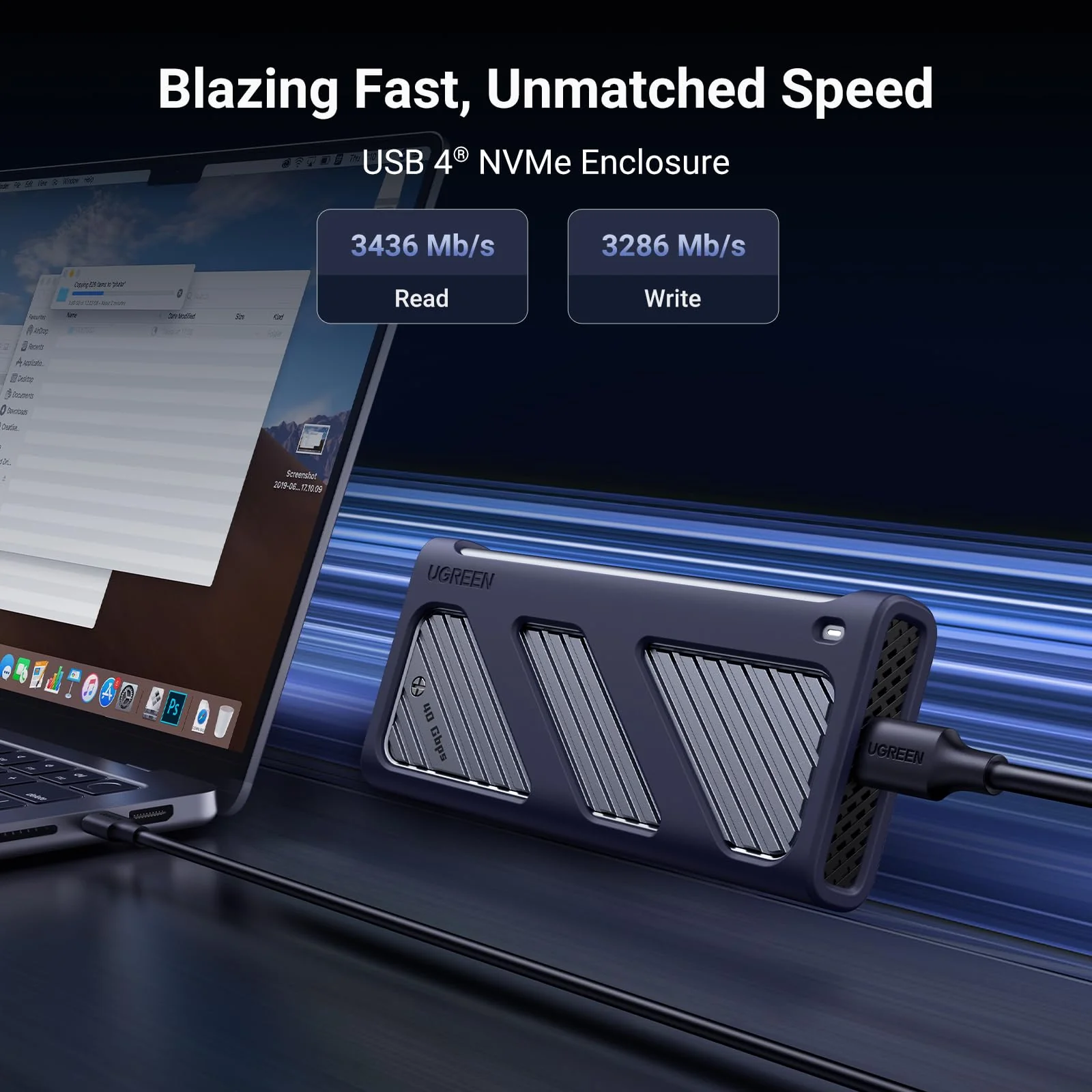
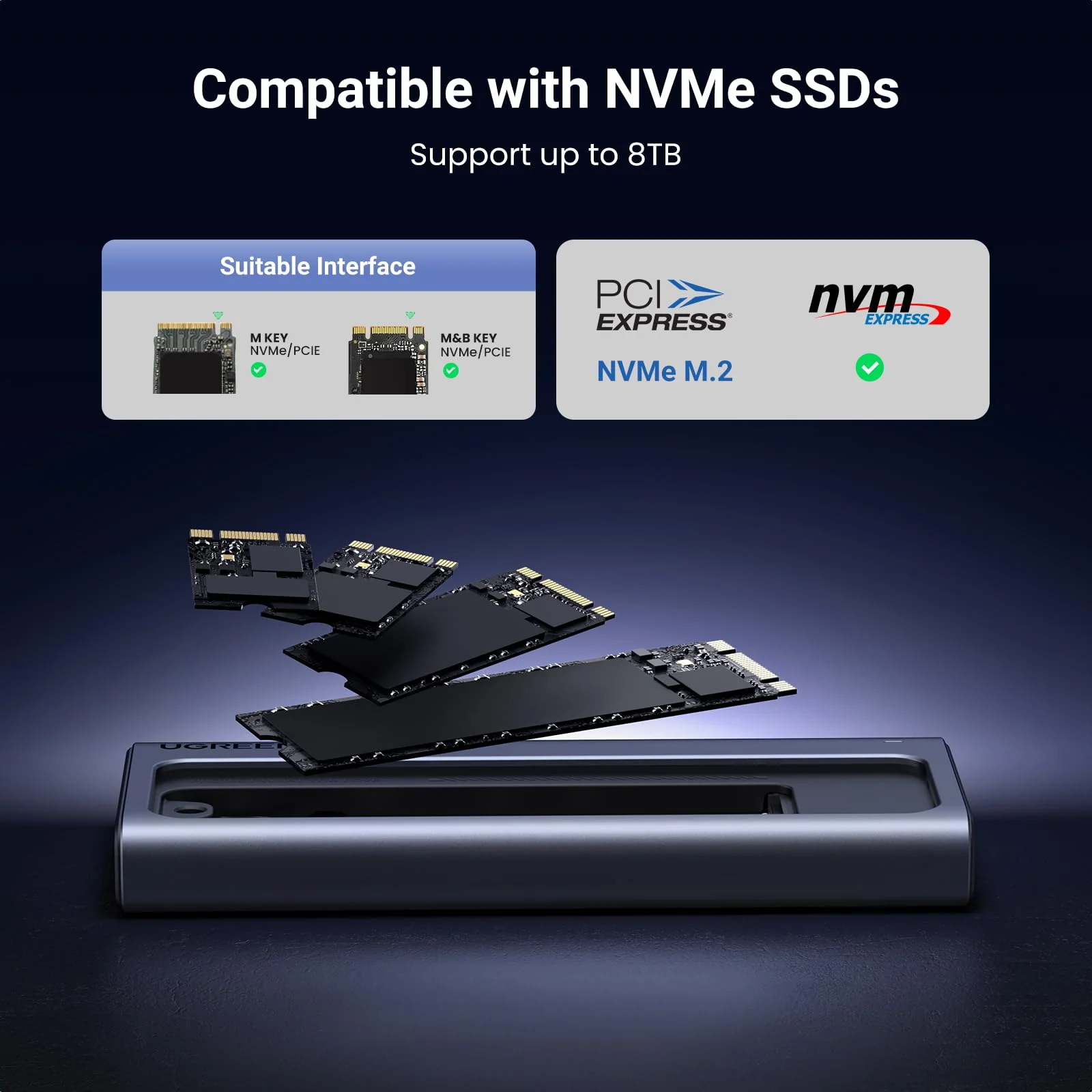
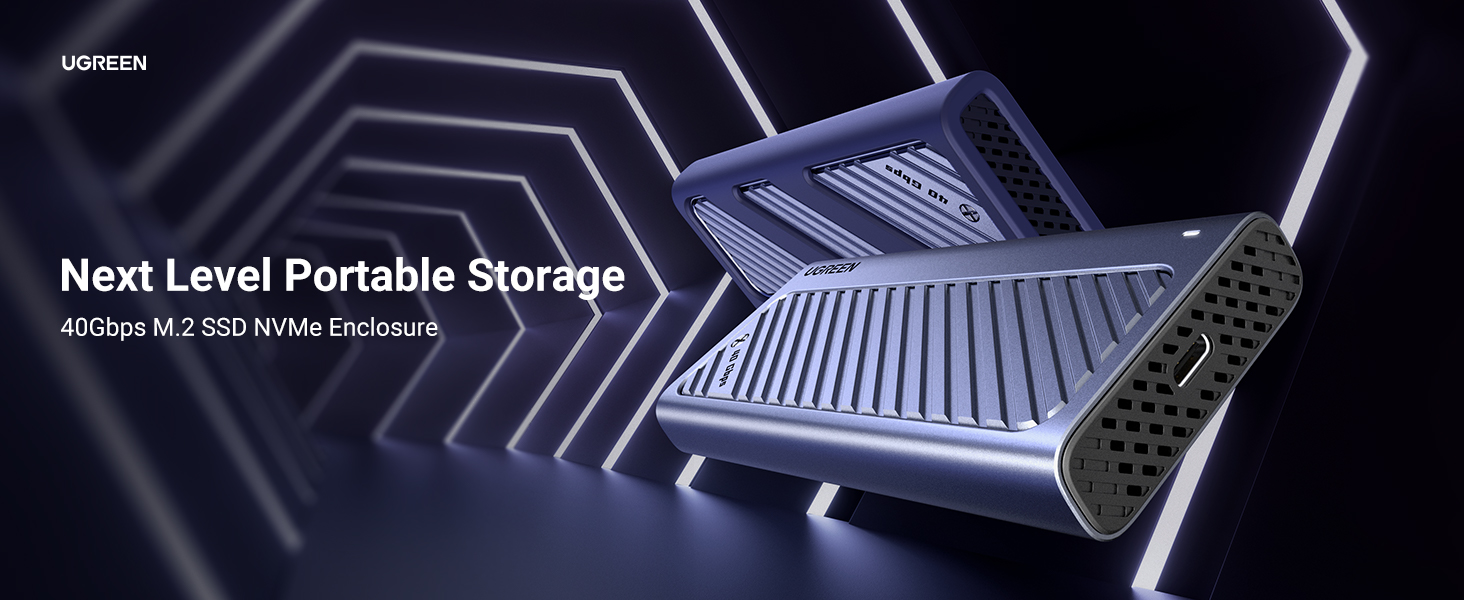
UGREEN USB4 M.2 NVMe SSD Enclosure 40Gbps 8TB
Product image 1
Product image 2
Product image 3
Product image 4
Product image 5
Product image 6
Product image 7

UGREEN USB4 M.2 NVMe SSD Enclosure 40Gbps 8TB

UGREEN USB4 M.2 NVMe SSD Enclosure 40Gbps 8TB

45368
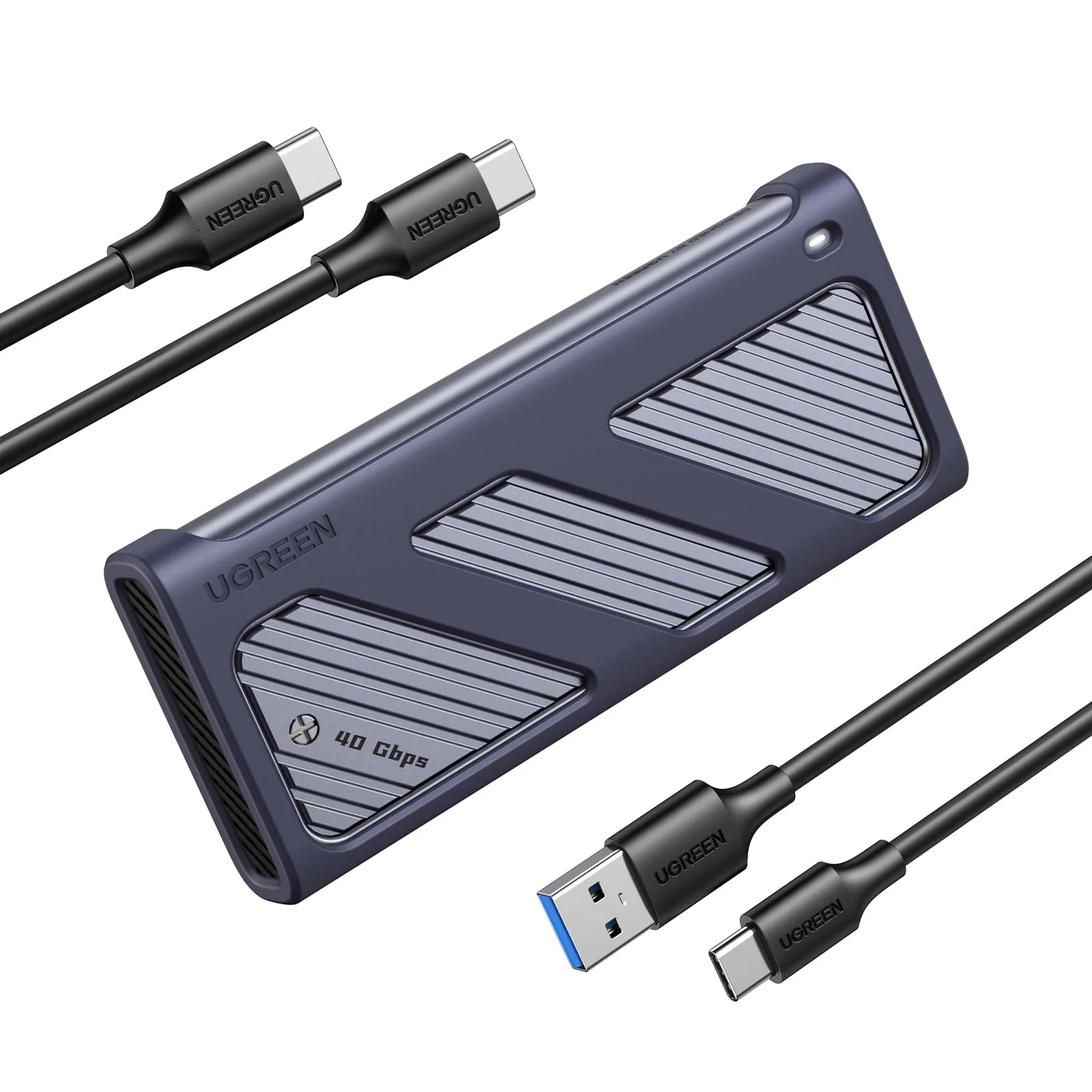
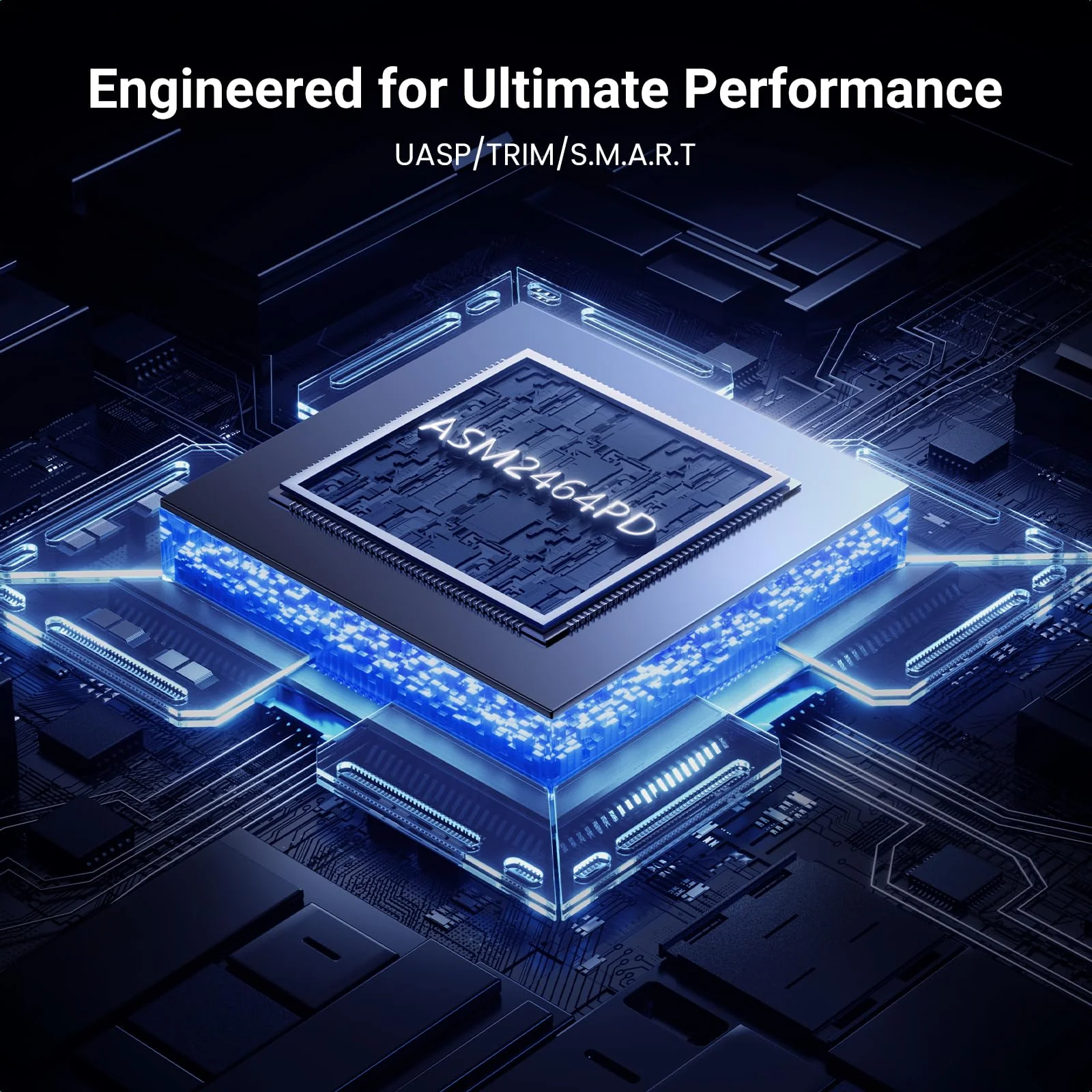
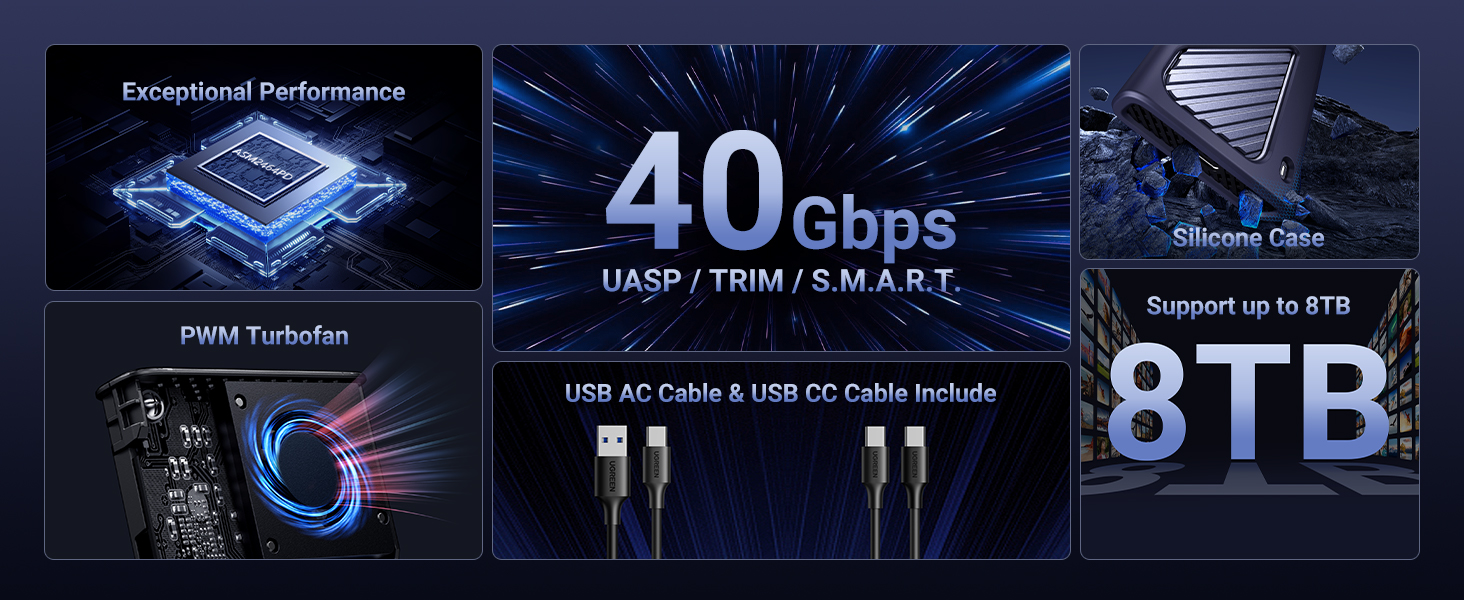
Computer hardware specification display showing 40Gbps transfer speed, 8TB storage capacity, and USB-C connectivity features in blue tech-styled graphics.

How to improve the transfer rate on Windows when used with Thunderbolt 4/USB4 ports?

1. The NVM and PD versions of the operating system are relatively old. Please try to update the operating system to the latest version. 2. For Windows users, please select Better performance and enable write cache: Go to Disk Management > Select Properties > Click Policies > Choose Better performance and enable write caching on the device.

Why does the enclosure heat up during using?

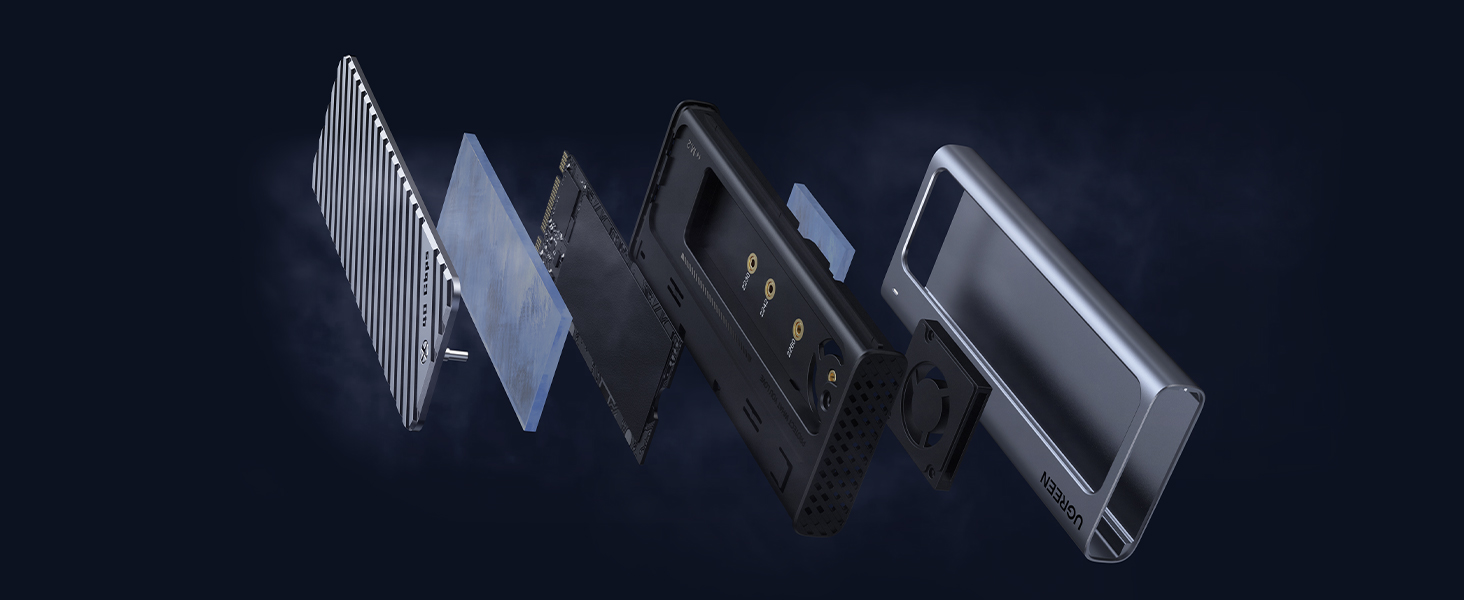
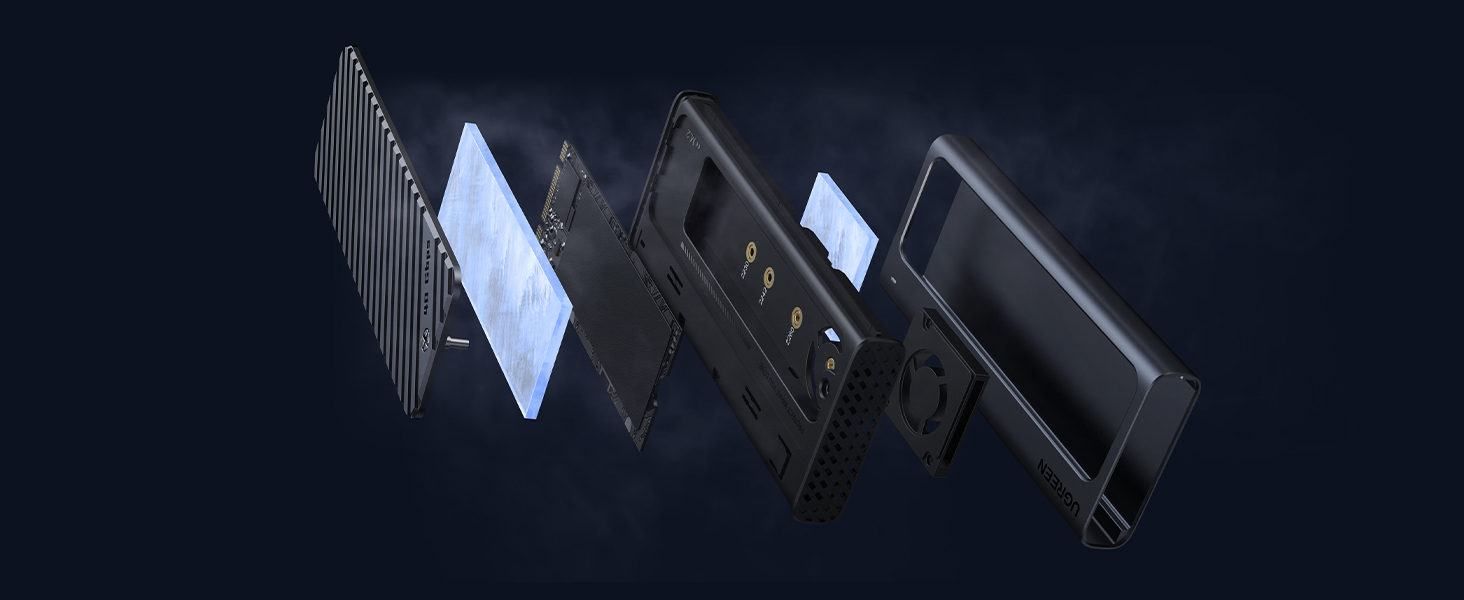
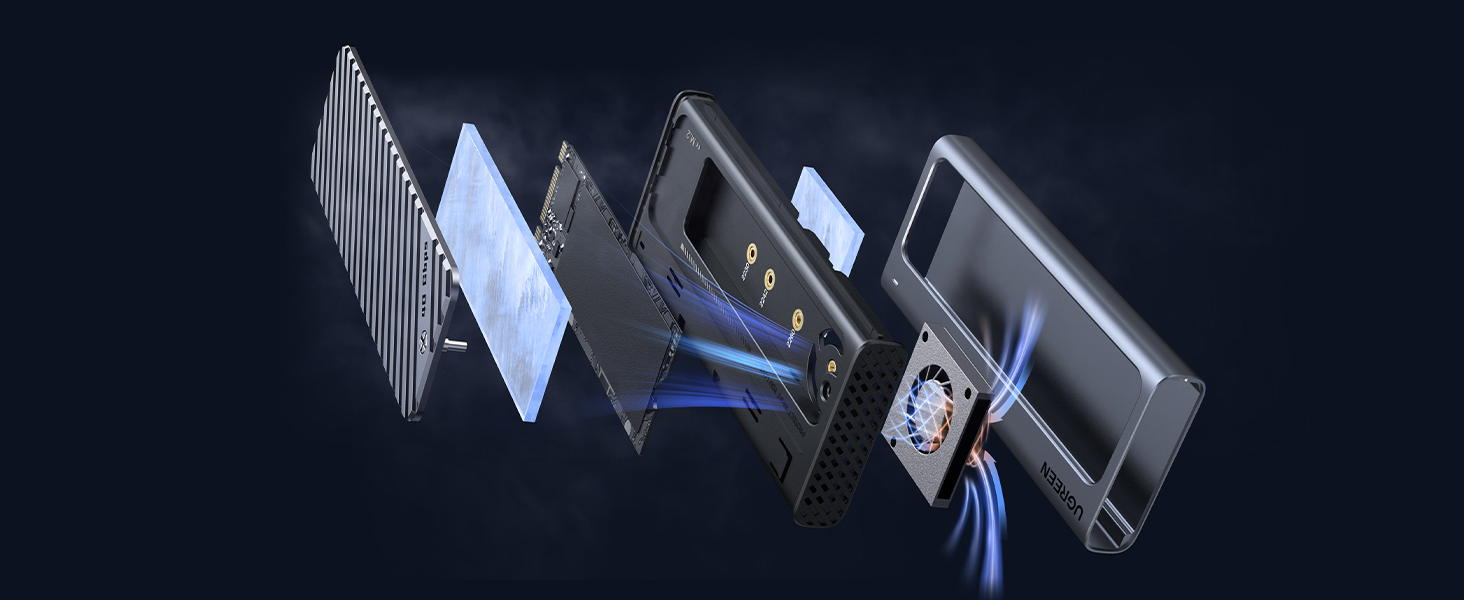
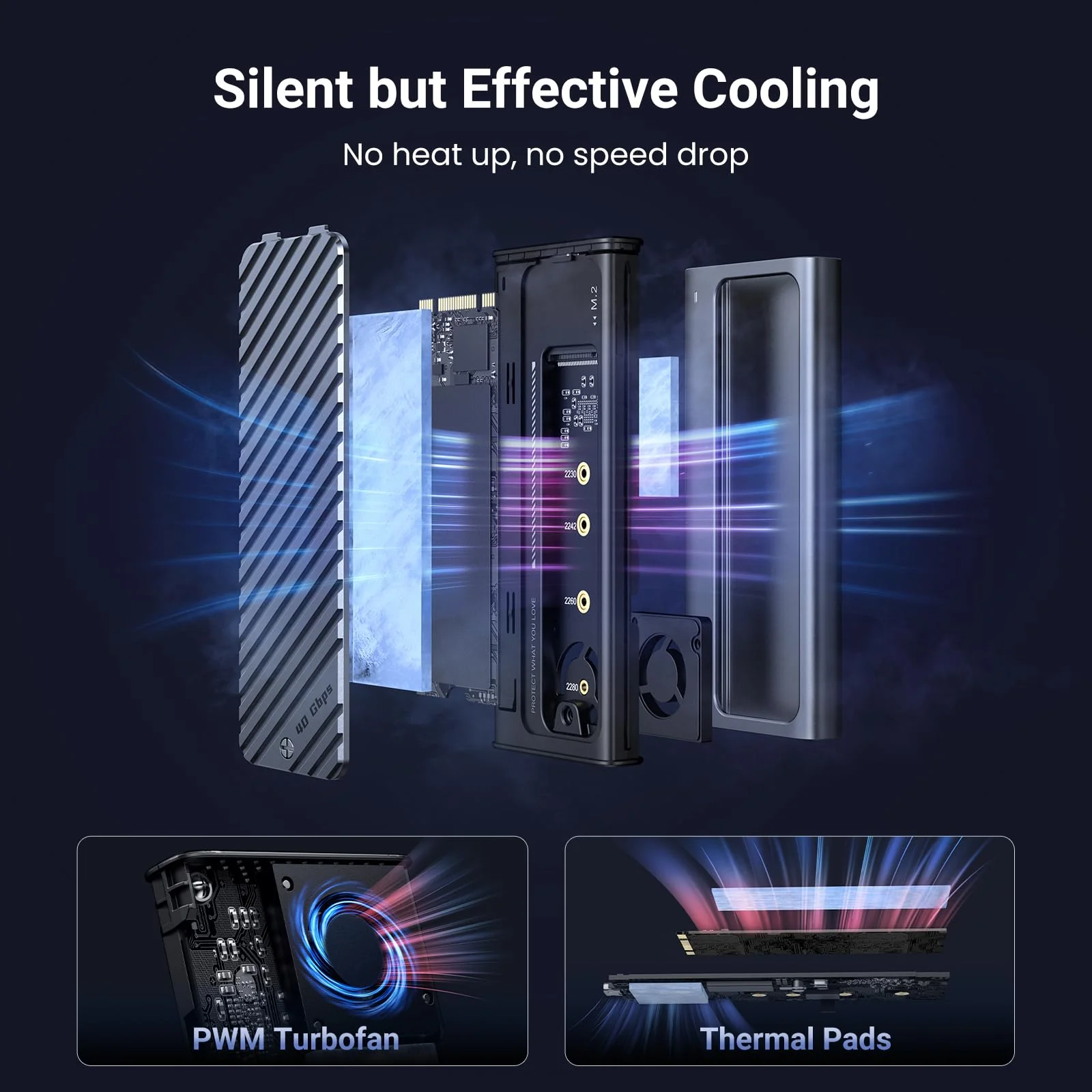
The enclosure uses an aluminum alloy shell with a PWM turbo cooling fan to help transfer heat from the hard drive to the outside to prevent the internal temperature from heating up. The maximum operating temperature of the enclosure is below 60°C, which is a safe range.

Why does the read and write speed of the enclosure decrease after running for a while?

The maximum transfer rate of the enclosure can reach 40Gbps. High-speed transfer makes the hard disk heat up. If the temperature is too high, the controller of the enclosure and SSD may activate thermal throttling protection, automatically reducing the transfer speed to protect the hardware from damage.

$24.52

Original: $70.07

-65%
UGREEN USB4 M.2 NVMe SSD Enclosure 40Gbps 8TB

$70.07

$24.52

Product Information

Shipping & Returns

Description

45368
Computer hardware specification display showing 40Gbps transfer speed, 8TB storage capacity, and USB-C connectivity features in blue tech-styled graphics.

How to improve the transfer rate on Windows when used with Thunderbolt 4/USB4 ports?

1. The NVM and PD versions of the operating system are relatively old. Please try to update the operating system to the latest version. 2. For Windows users, please select Better performance and enable write cache: Go to Disk Management > Select Properties > Click Policies > Choose Better performance and enable write caching on the device.

Why does the enclosure heat up during using?

The enclosure uses an aluminum alloy shell with a PWM turbo cooling fan to help transfer heat from the hard drive to the outside to prevent the internal temperature from heating up. The maximum operating temperature of the enclosure is below 60°C, which is a safe range.

Why does the read and write speed of the enclosure decrease after running for a while?

The maximum transfer rate of the enclosure can reach 40Gbps. High-speed transfer makes the hard disk heat up. If the temperature is too high, the controller of the enclosure and SSD may activate thermal throttling protection, automatically reducing the transfer speed to protect the hardware from damage.

UGREEN USB4 M.2 NVMe SSD Enclosure 40Gbps 8TB | UGREEN