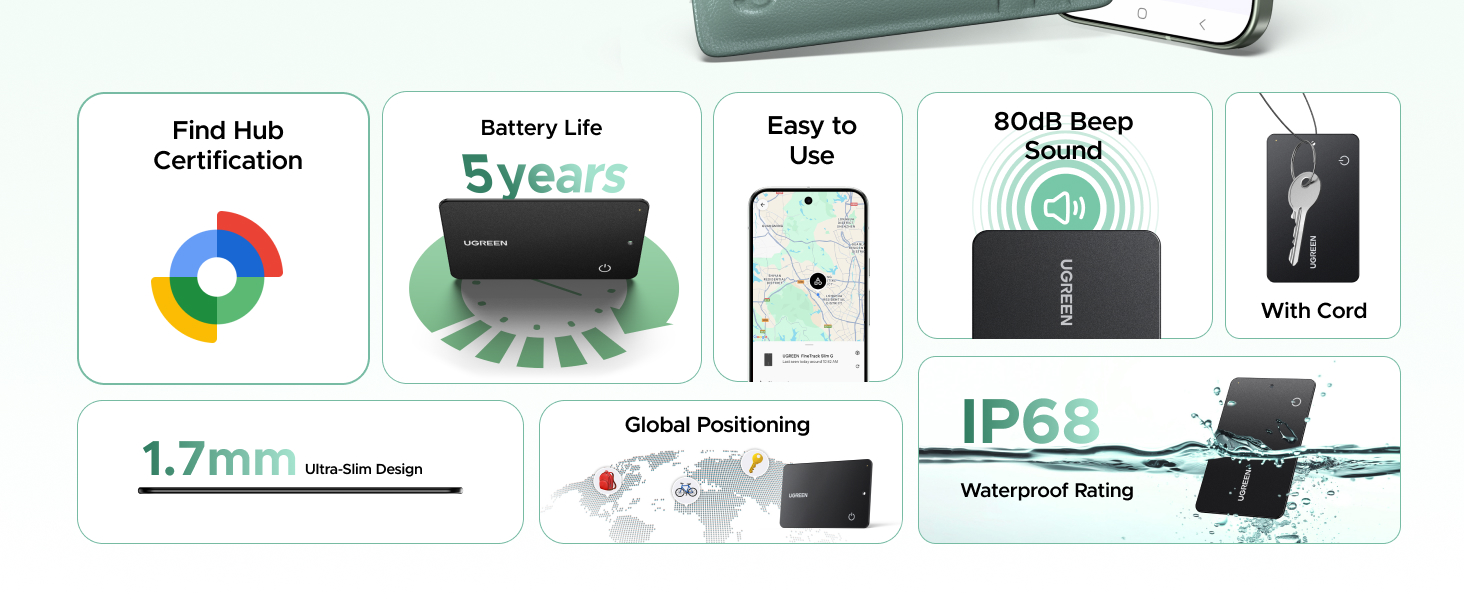
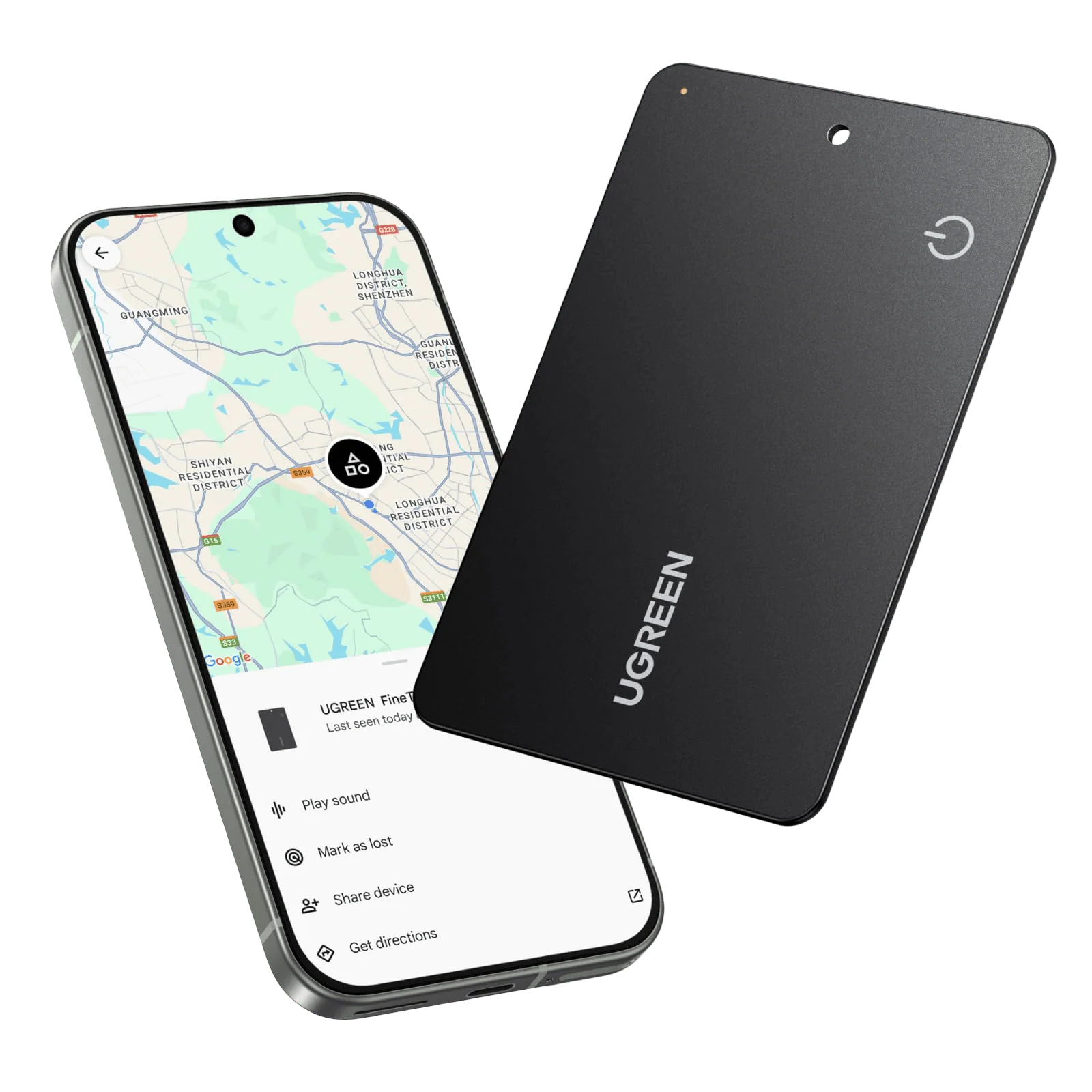
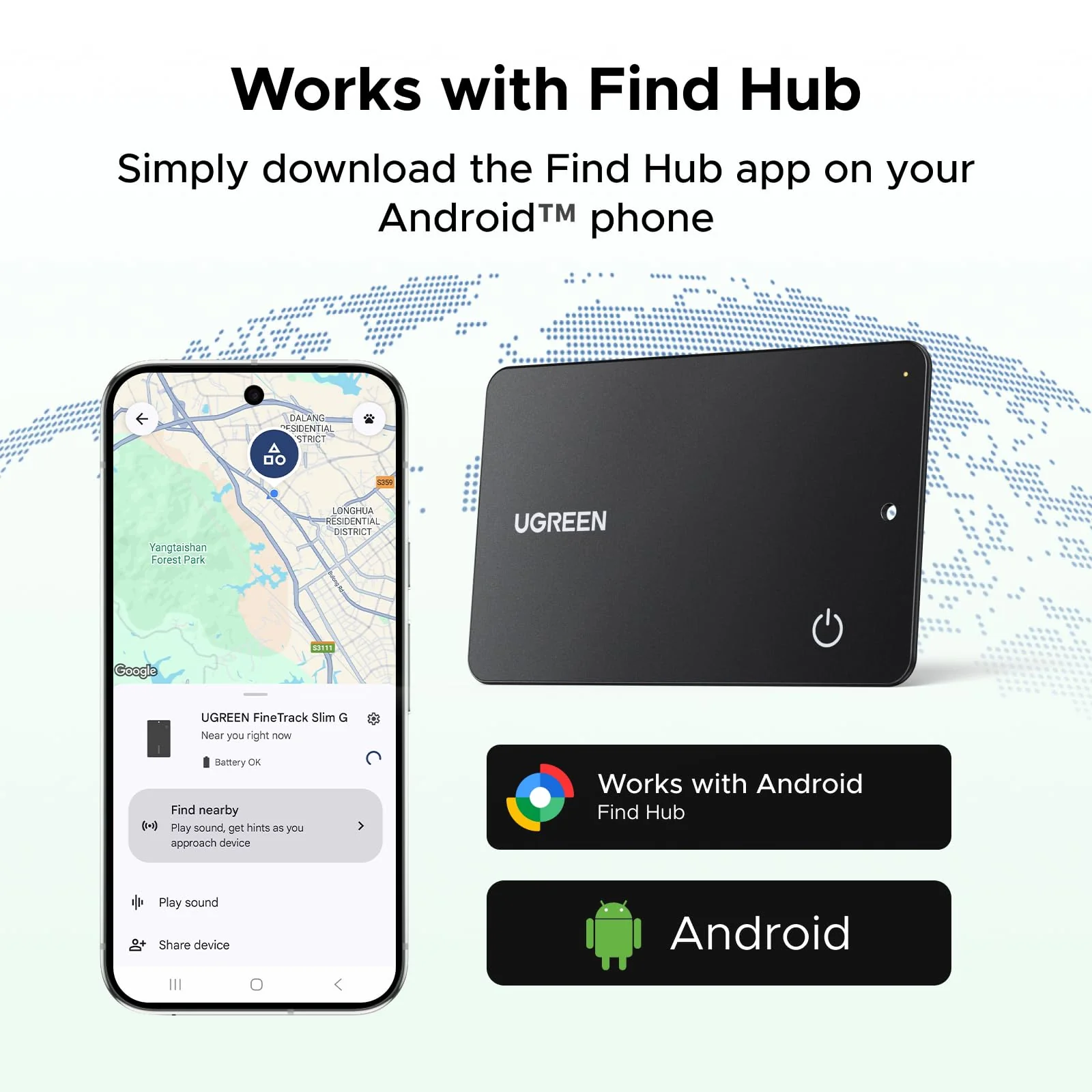
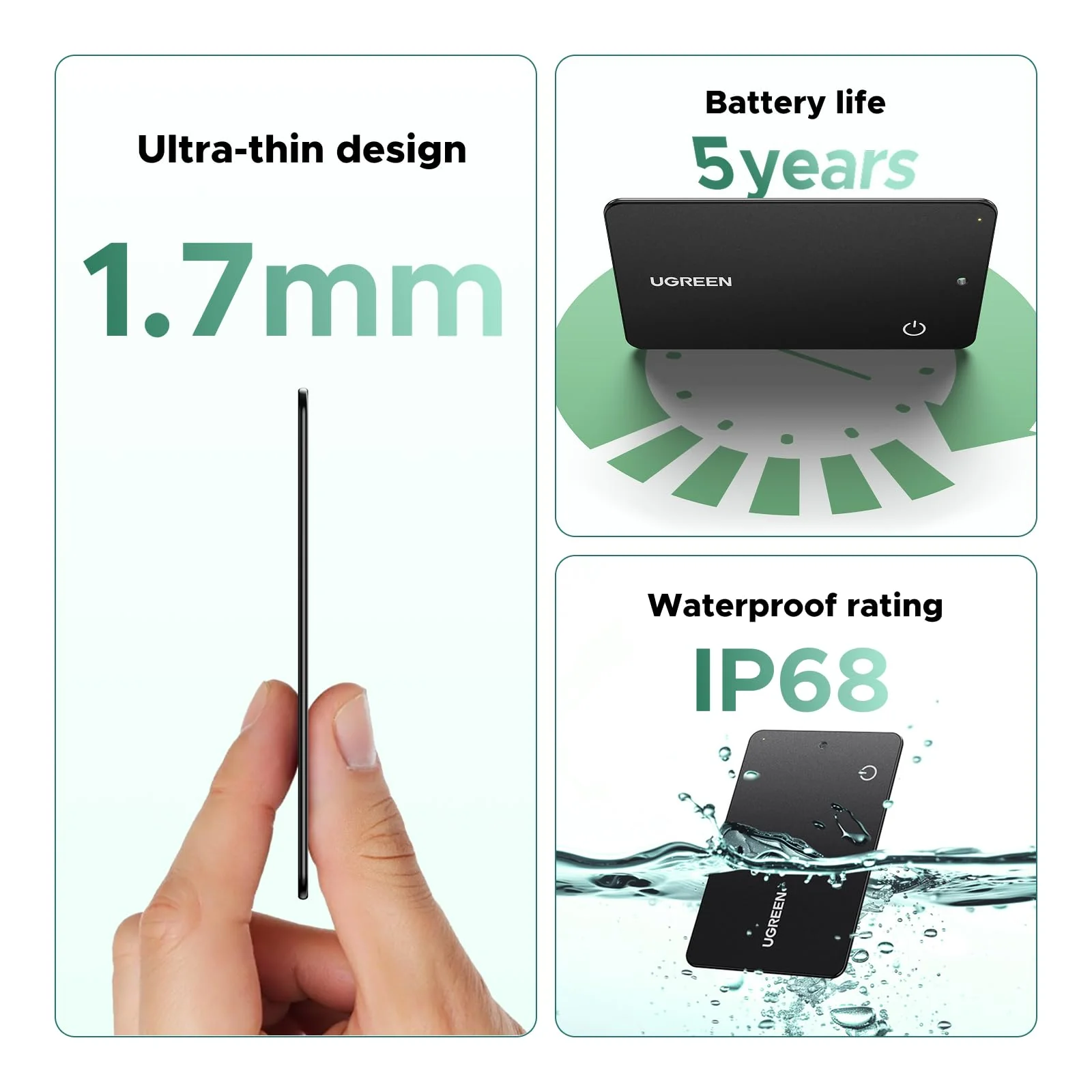
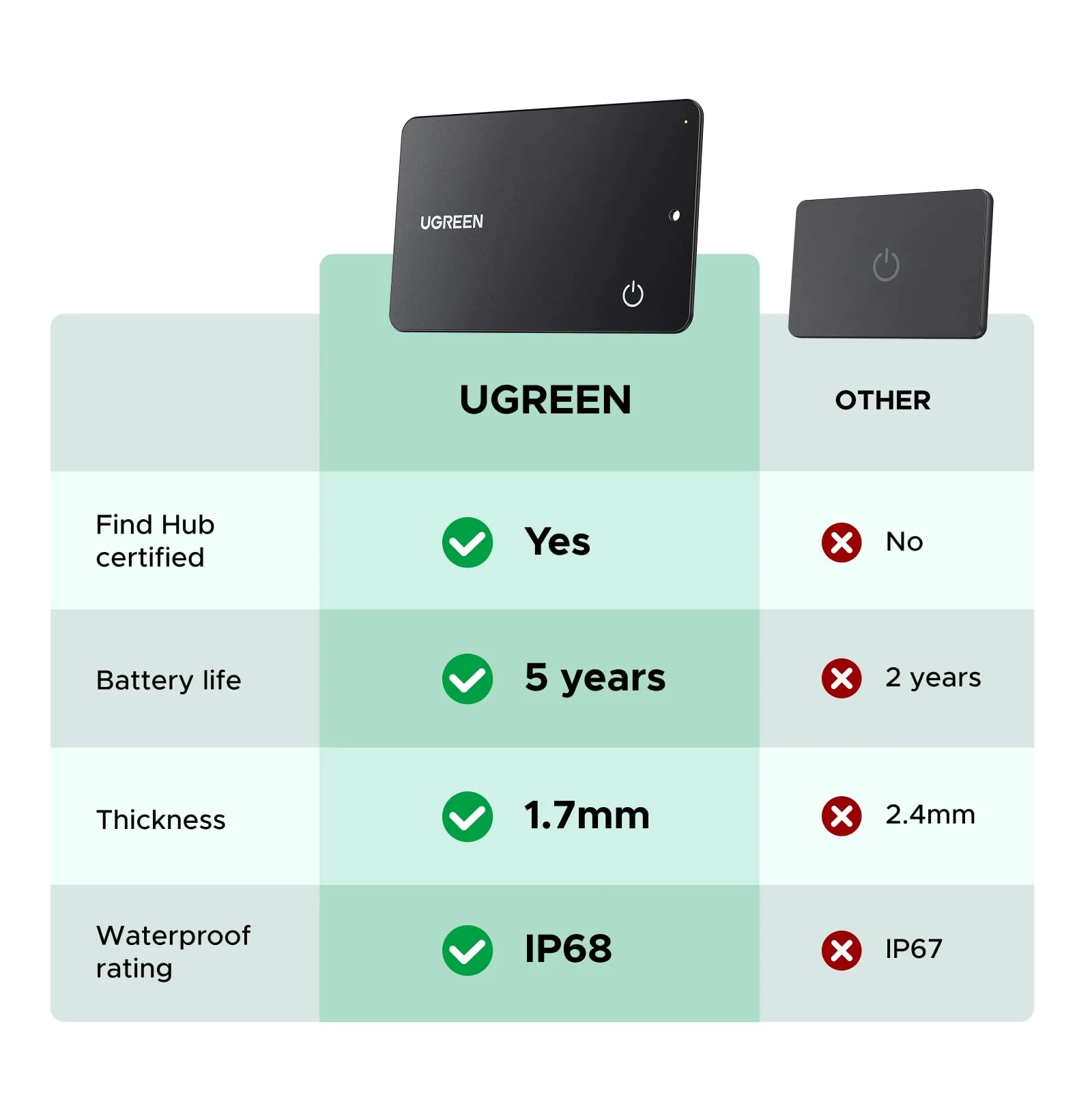
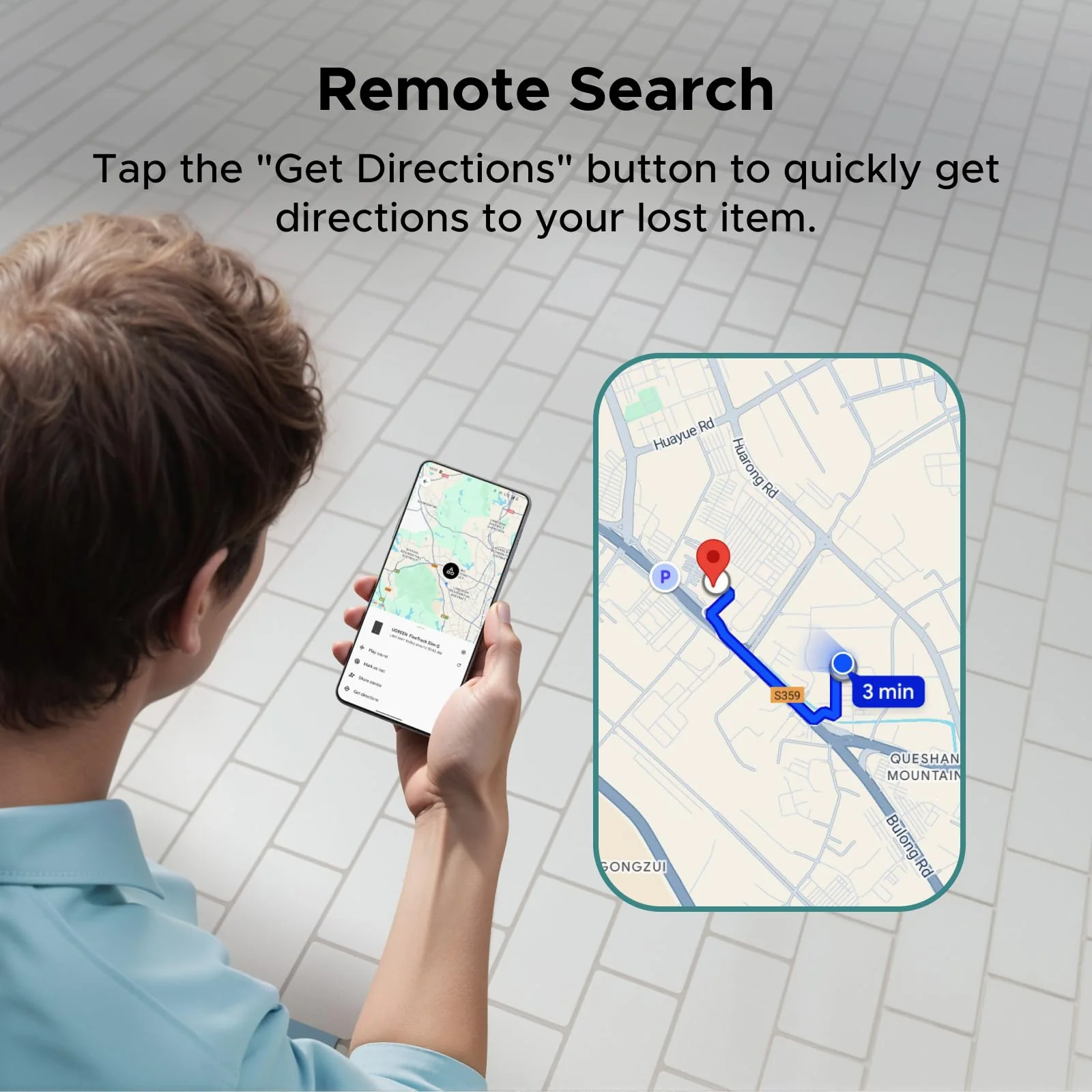
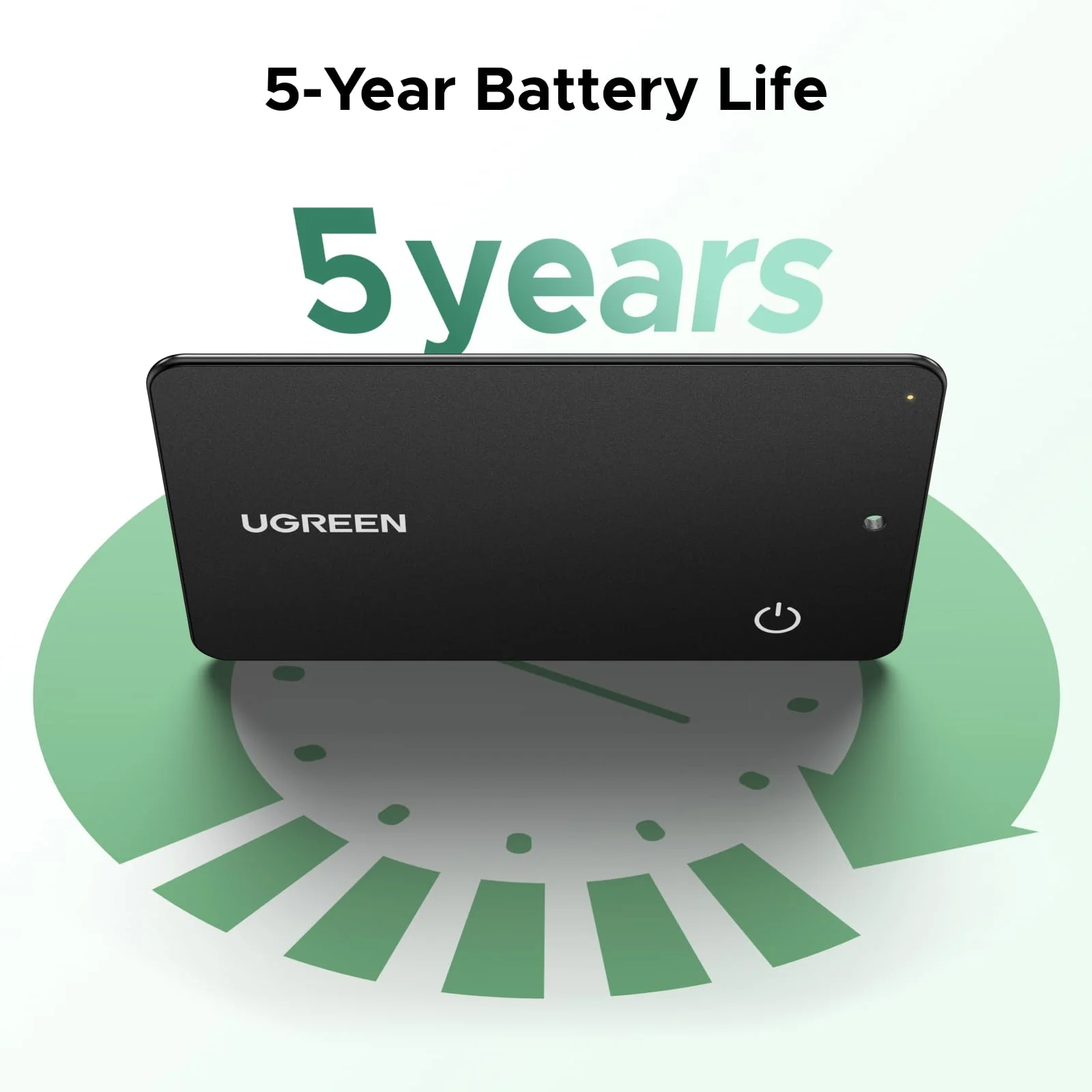
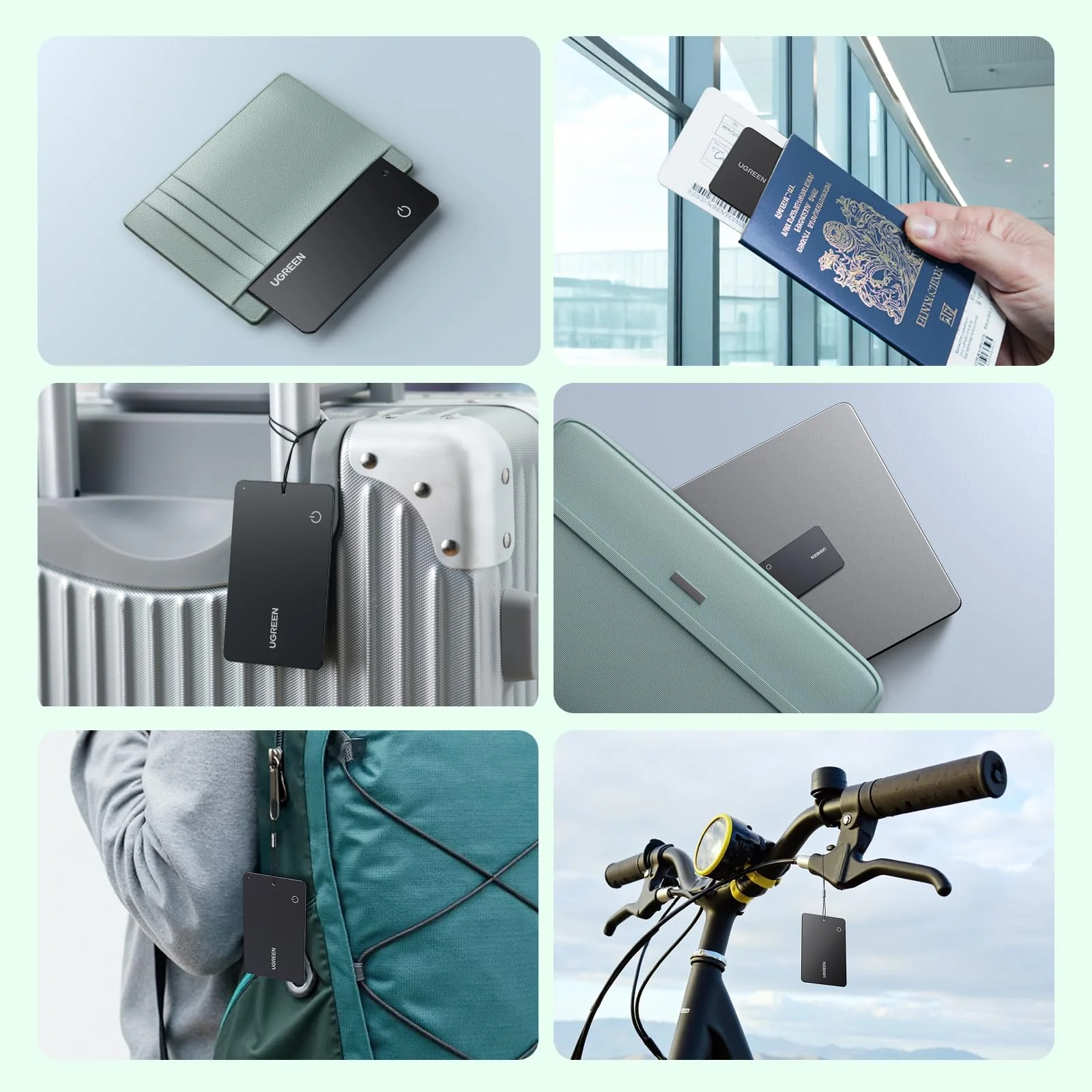
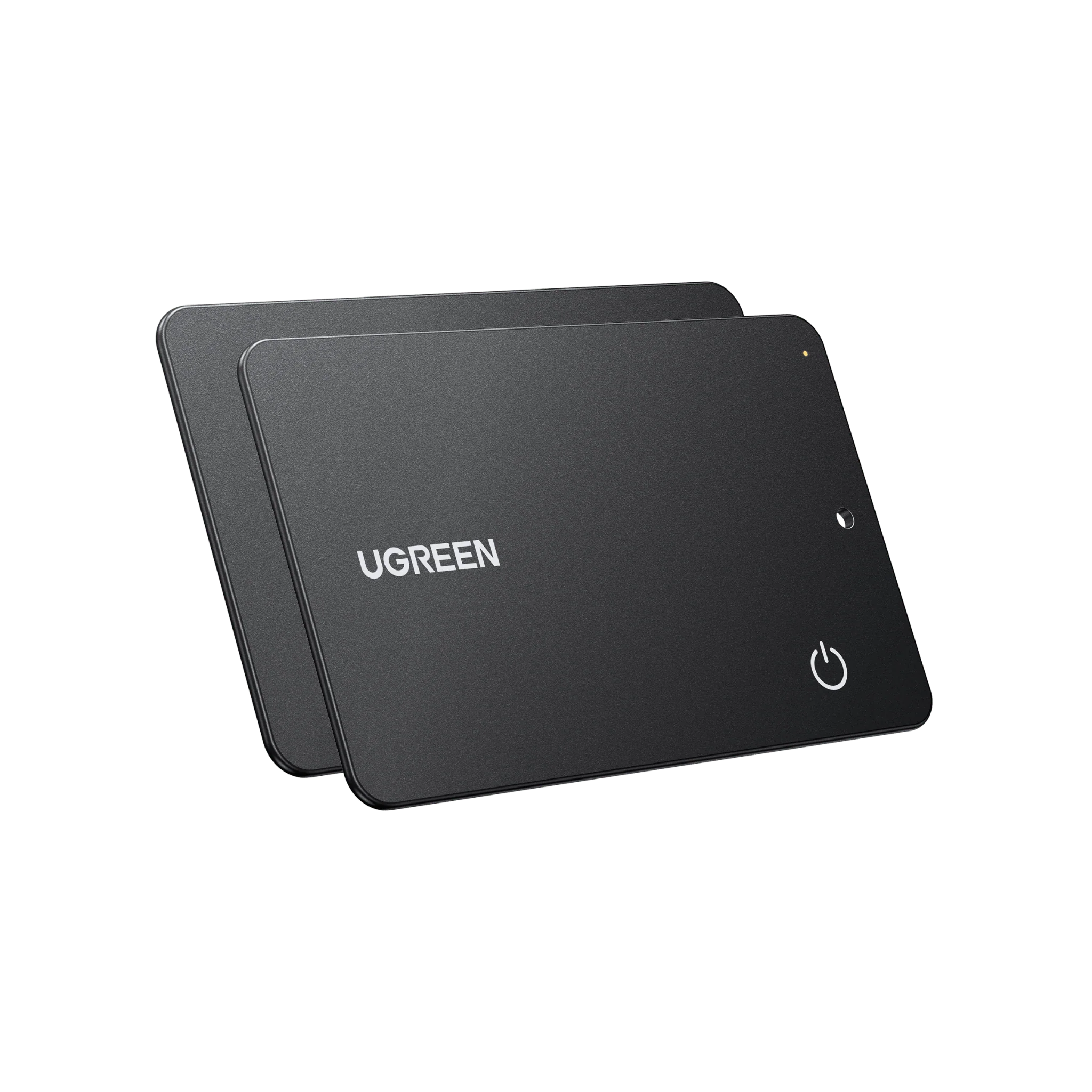
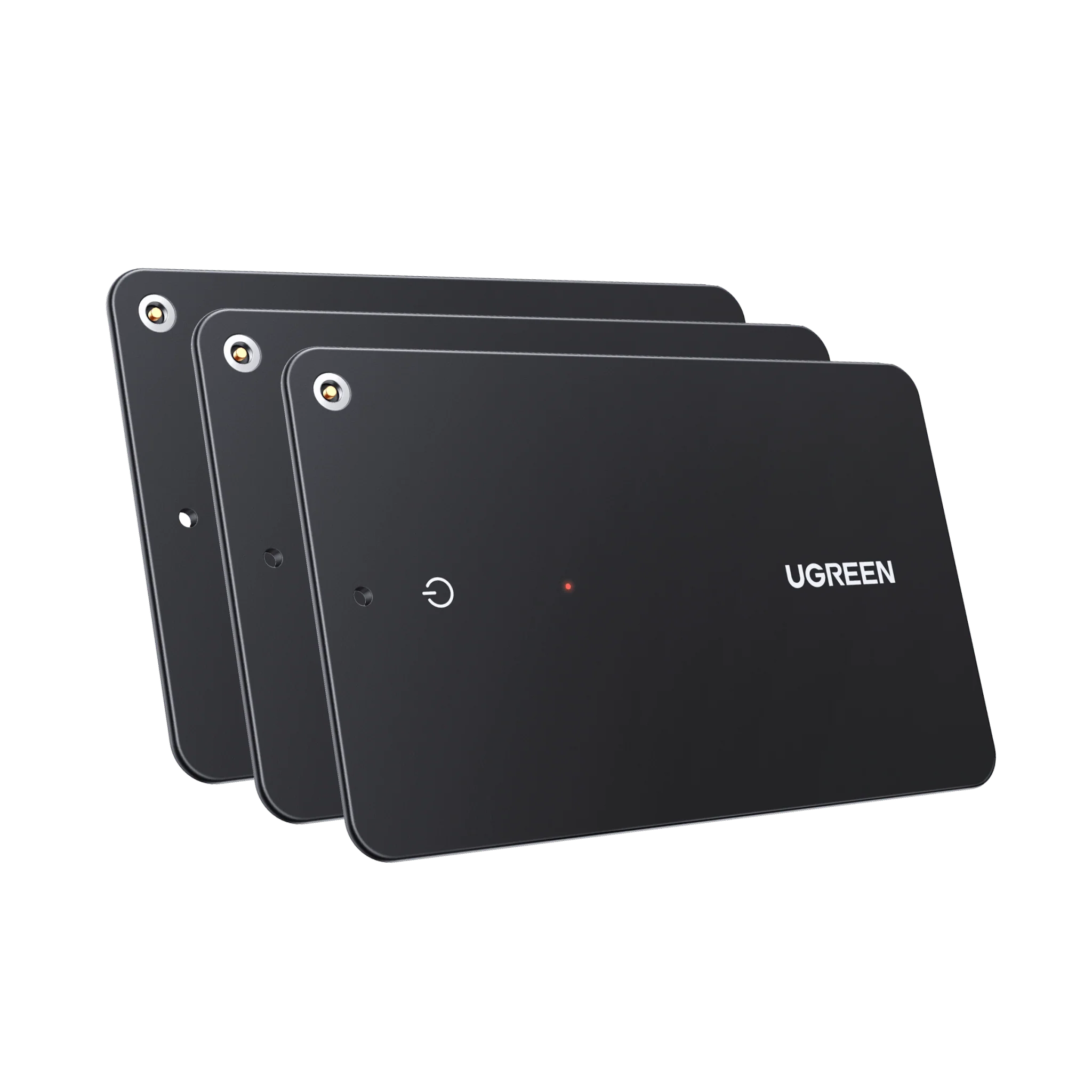
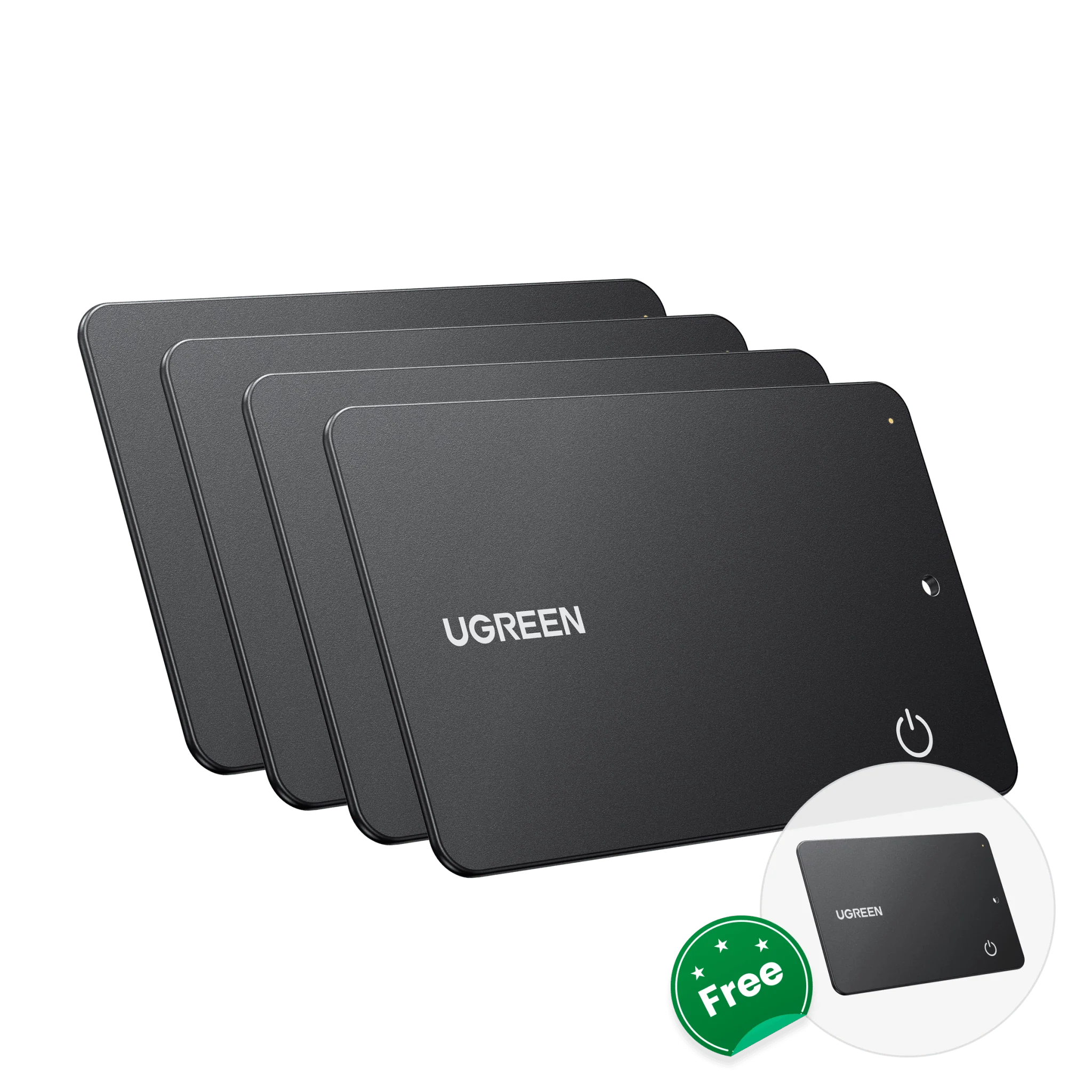
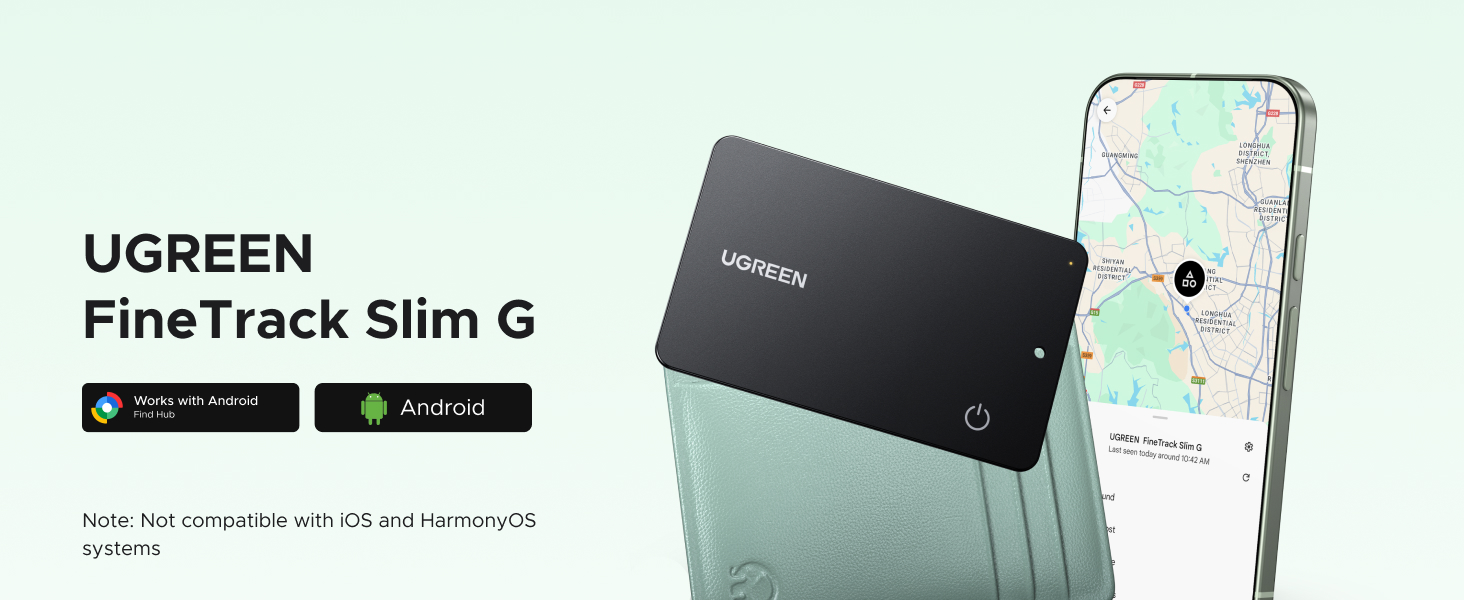
UGREEN FineTrack Slim G Smart Finder (for Android)
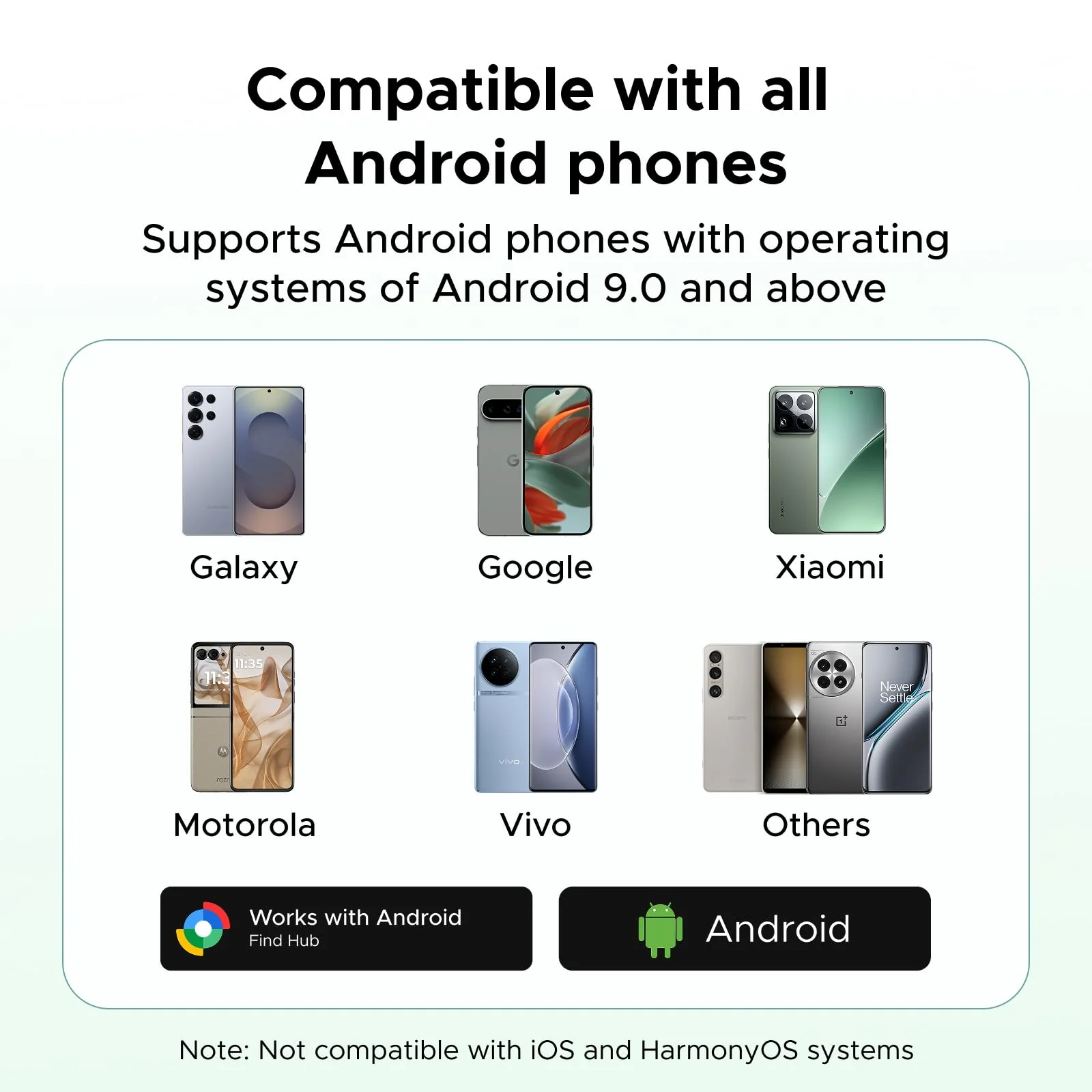
How do I determine if a phone can be paired with a tracker?
1. Please make sure your Android phone supports Android 9.0 or higher.
2. To ensure the pop-up window displays correctly on your Android phone, please make sure your Google Play Services and Google Find Hub are updated to the latest versions.
How do I update the Google Play Services version?
1. Open the "Settings" app on your phone or tablet. Then tap your profile photo and then "All Services."
2. Under "Privacy and Security," tap "System Services," then "Google Play Services." Click "Update" or "Install."
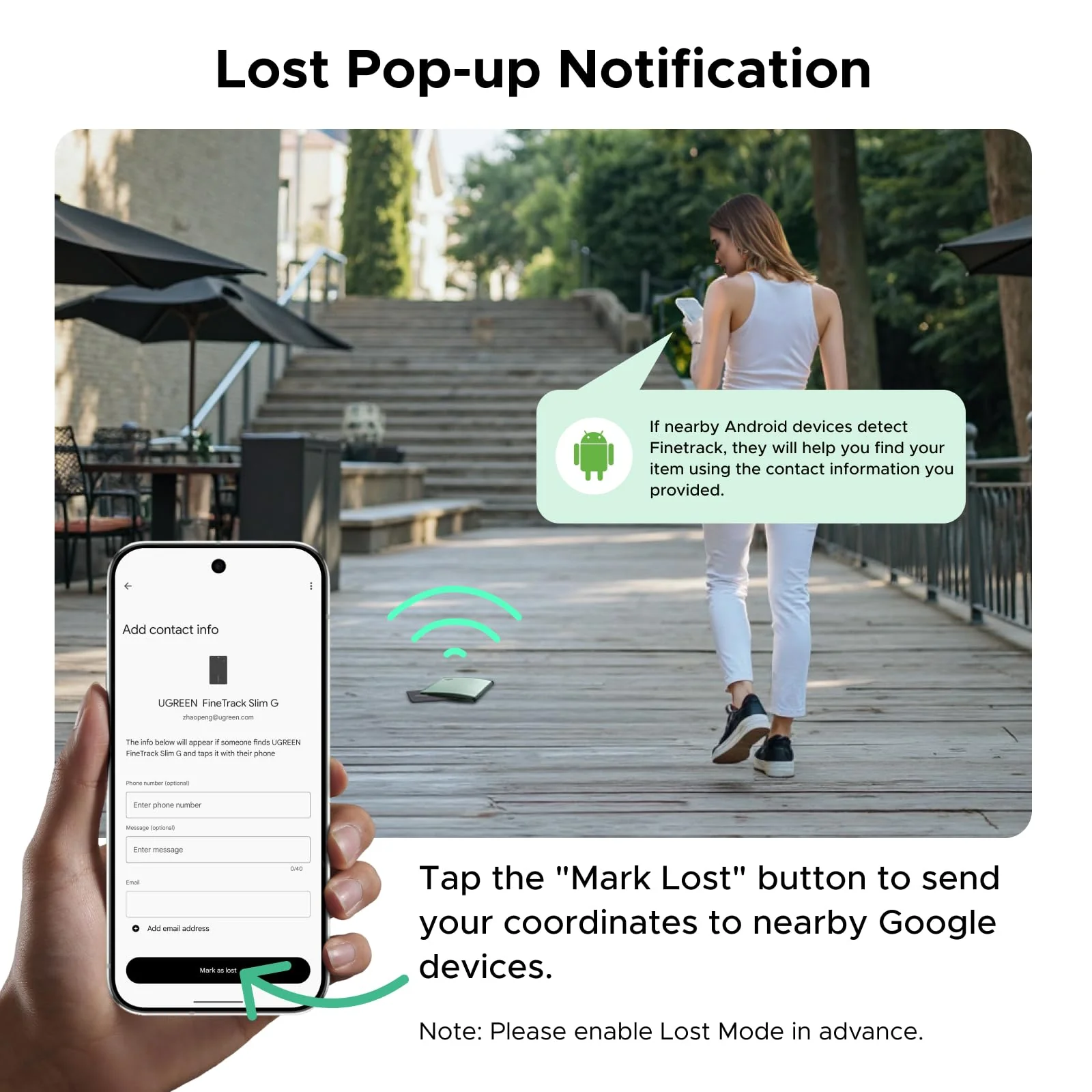
What should I do if the tracker still cannot connect after the pop-up window appears?
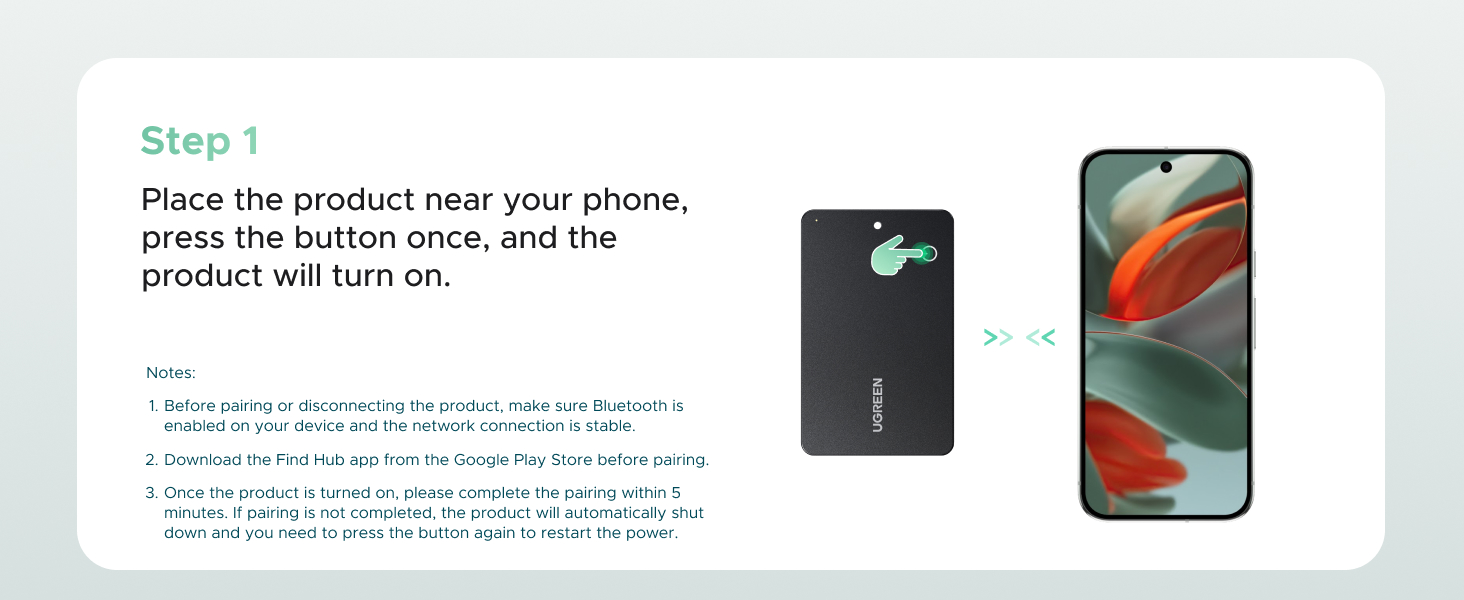
1. If you accidentally close the pop-up window, please wait until it appears again. After waiting five minutes or restarting your phone, the pop-up window will appear again.
2. On certain phones, the pop-up window may suddenly disappear after a certain amount of time. If waiting five minutes doesn't resolve the issue, please restart your phone to reestablish the connection.
Product Information
Product Information
Shipping & Returns
Shipping & Returns


UGREEN FineTrack Slim G Smart Finder (for Android)
How do I determine if a phone can be paired with a tracker?
1. Please make sure your Android phone supports Android 9.0 or higher.
2. To ensure the pop-up window displays correctly on your Android phone, please make sure your Google Play Services and Google Find Hub are updated to the latest versions.
How do I update the Google Play Services version?
1. Open the "Settings" app on your phone or tablet. Then tap your profile photo and then "All Services."
2. Under "Privacy and Security," tap "System Services," then "Google Play Services." Click "Update" or "Install."
What should I do if the tracker still cannot connect after the pop-up window appears?
1. If you accidentally close the pop-up window, please wait until it appears again. After waiting five minutes or restarting your phone, the pop-up window will appear again.
2. On certain phones, the pop-up window may suddenly disappear after a certain amount of time. If waiting five minutes doesn't resolve the issue, please restart your phone to reestablish the connection.
Product Information
Product Information
Shipping & Returns
Shipping & Returns
Description
How do I determine if a phone can be paired with a tracker?
1. Please make sure your Android phone supports Android 9.0 or higher.
2. To ensure the pop-up window displays correctly on your Android phone, please make sure your Google Play Services and Google Find Hub are updated to the latest versions.
How do I update the Google Play Services version?
1. Open the "Settings" app on your phone or tablet. Then tap your profile photo and then "All Services."
2. Under "Privacy and Security," tap "System Services," then "Google Play Services." Click "Update" or "Install."
What should I do if the tracker still cannot connect after the pop-up window appears?
1. If you accidentally close the pop-up window, please wait until it appears again. After waiting five minutes or restarting your phone, the pop-up window will appear again.
2. On certain phones, the pop-up window may suddenly disappear after a certain amount of time. If waiting five minutes doesn't resolve the issue, please restart your phone to reestablish the connection.